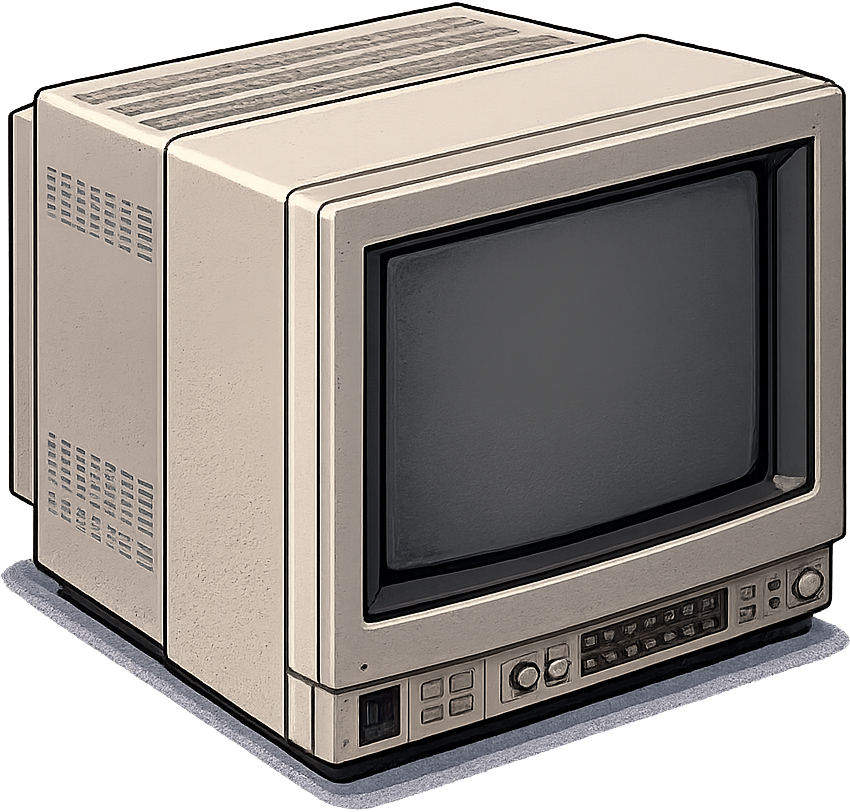
1999.

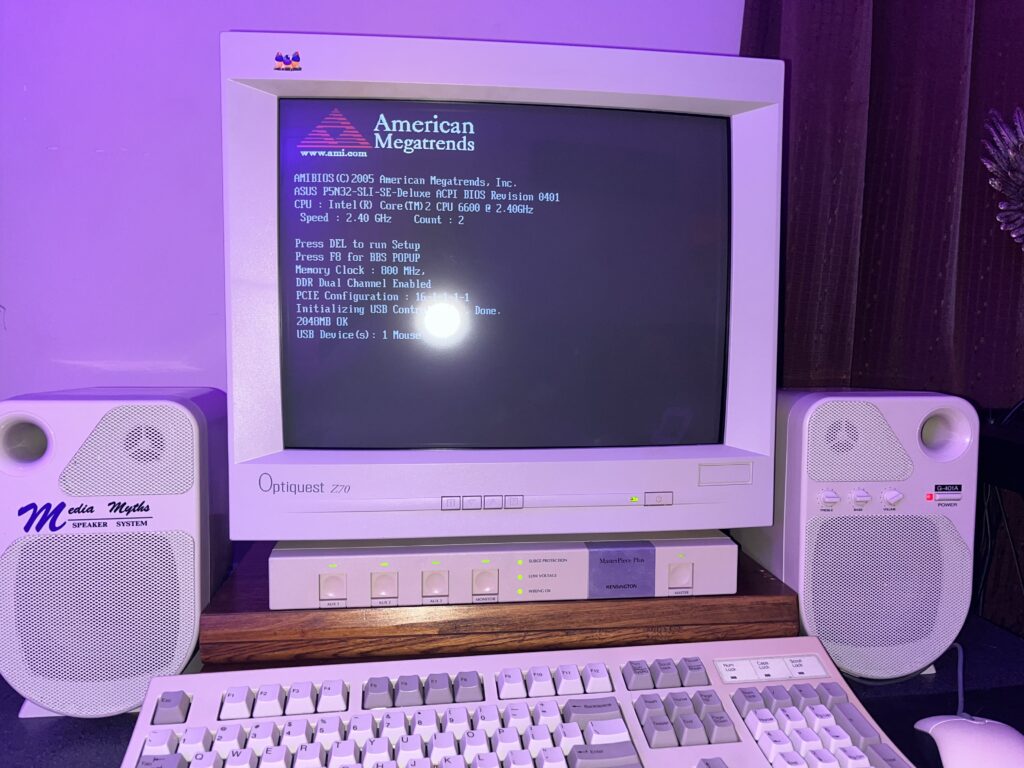
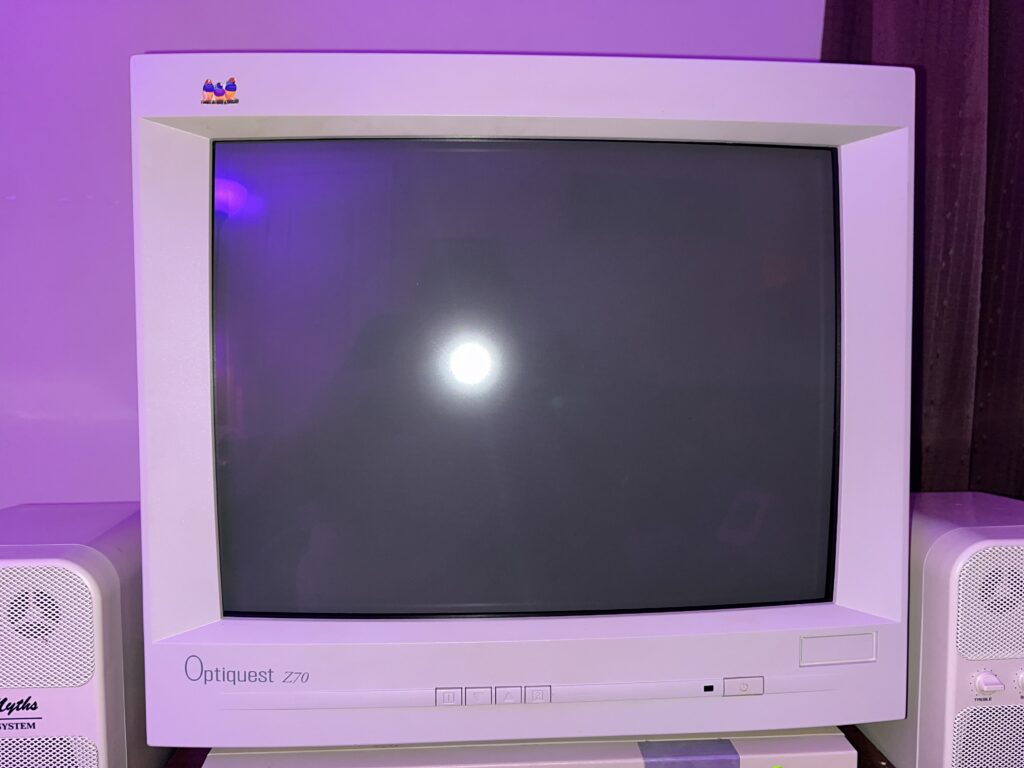
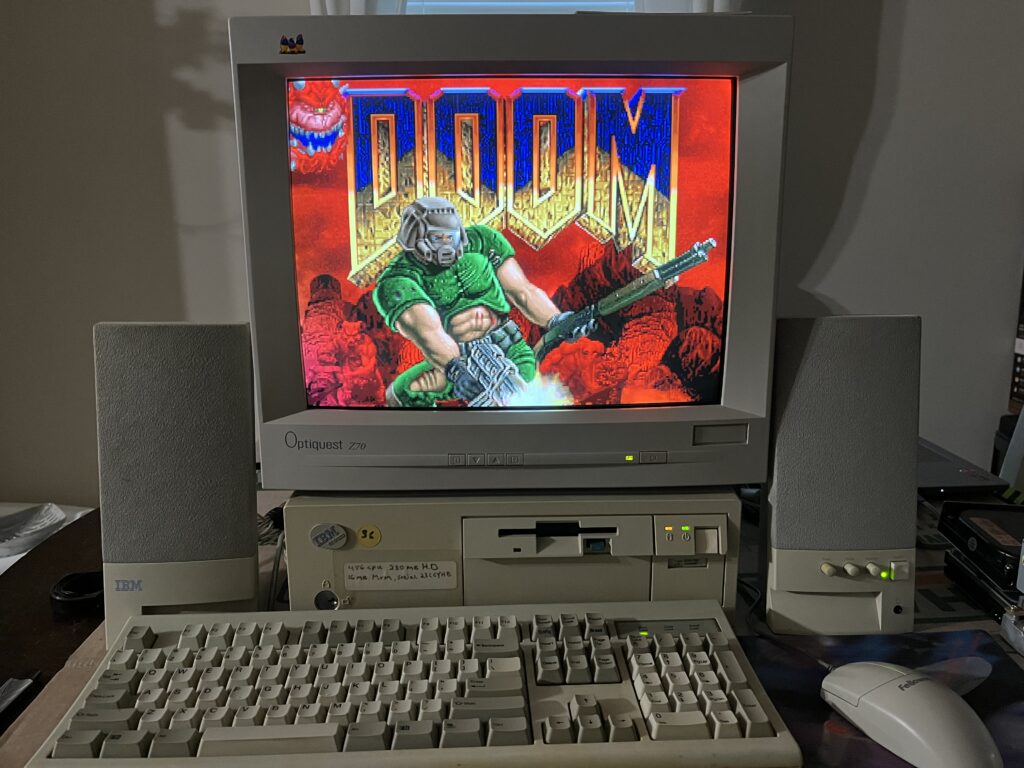
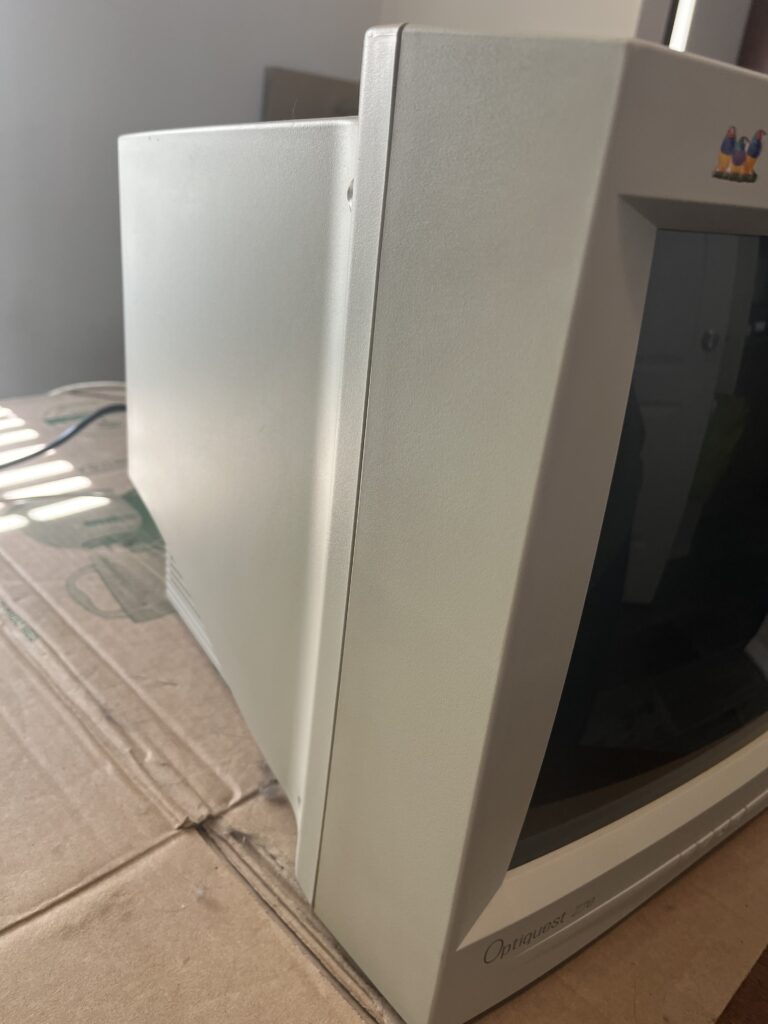
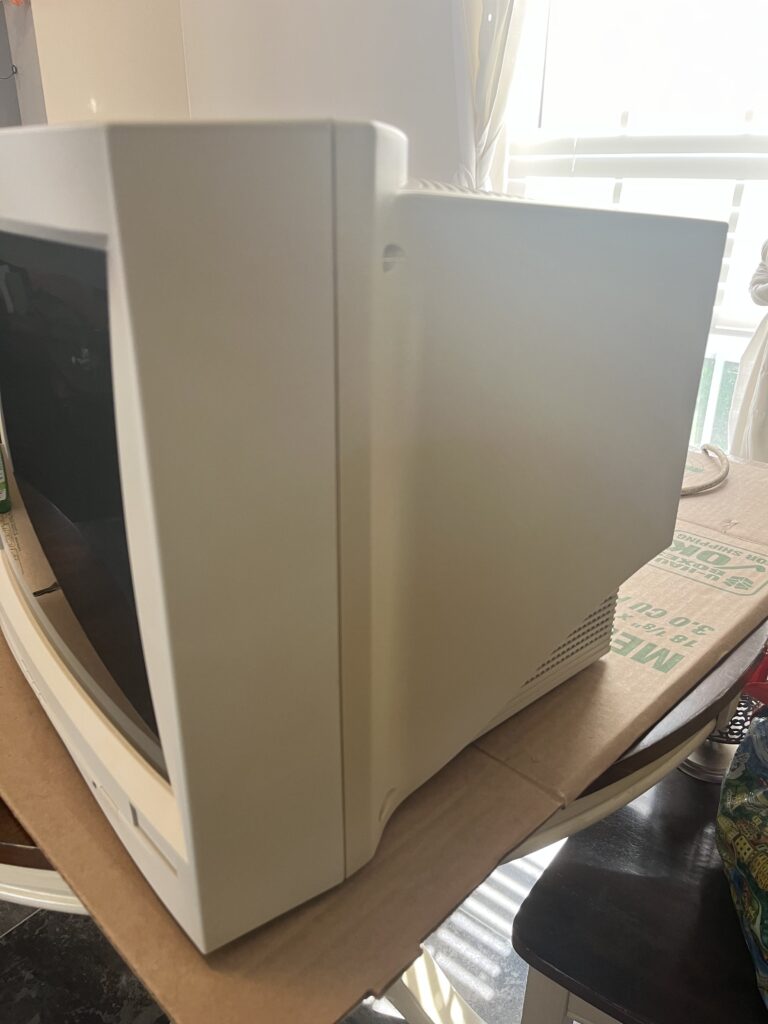
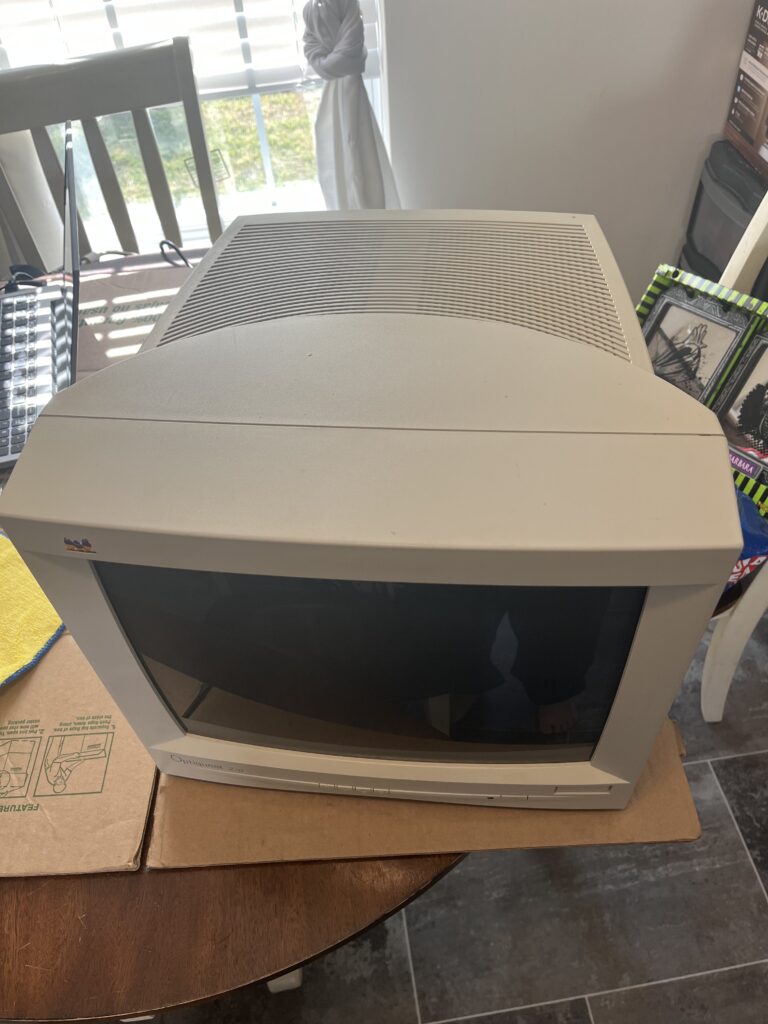
Beige, lan parties, Beige, Mt Dew! Flat panels existed, but nobody with a spec of gaming common sense was using one. This is the era where a “good monitor” was HEAVY, deep, and loud! This isnt a “Grail” tube like the internet would have you believe BUT this CRT is a workhorse. A sleeper, but not in a flashy way. She is very forgettable to most people but that paper perfect image of a text document or that beautiful 85hz Halflife just hits different on this thing.

The myth you’ve gotta kill right away is that an aperture grille is better. Yeah, Trinitrons punch you in the face with sharpness. They look insane in demos. But sit down in front of a clean shadow mask like this and you'll be blown away at the lack of eye strain! Not pixels. Not razor edges. Just… natural. Your eyes have the ability to finally relax staring at a CRT like this.

I asked a coworker the usual question, “hey do you have any of those old CRT monitors/TVs??”

This coworker was the first in a long time to finally say “oh yeah ive got one in my basement”!

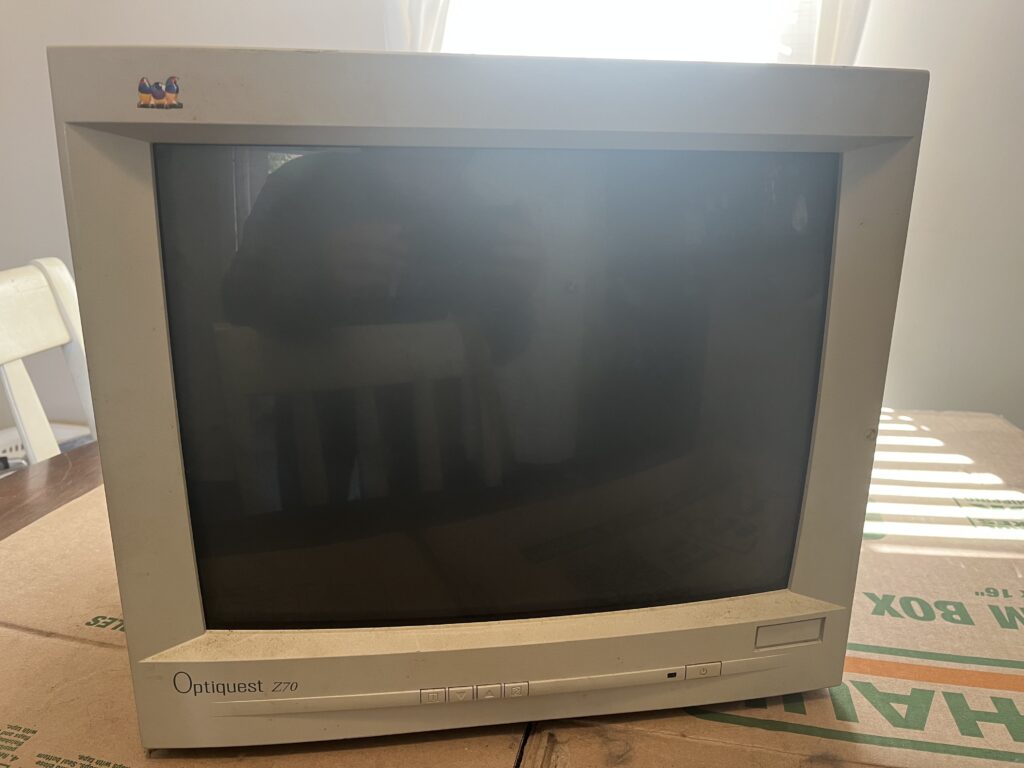
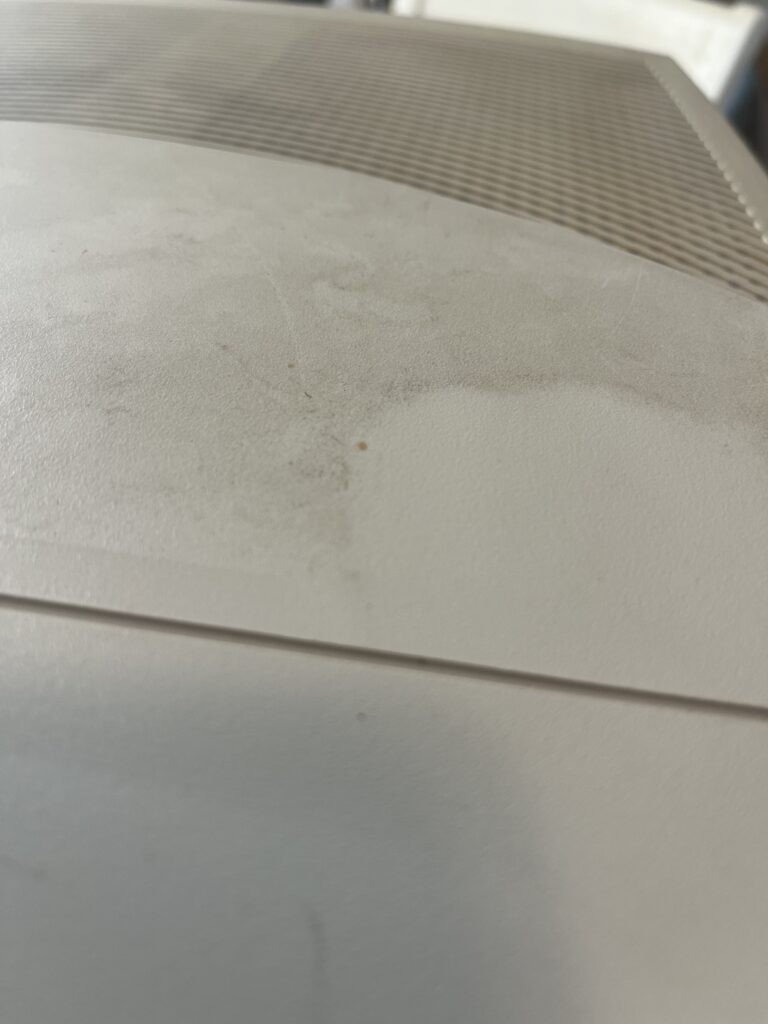
Upon arriving at her house, she took my down in the basement to find this girl covered in dust and grim but somehow perfectly preserved (albeit missing the original stand). While I was moving this CRT out to my truck i got to speaking with her husband and he offered me a bunch of “old computer stuff” he had in his closet. Needless to say i made a new friend and made out on one of the greatest retro computing hauls ive ever has. Original Windows documentation, sealed floppies, boxed NOS mobos, and so much more i could make a whole webpage dedicated to that day. Either way, of course the CRT was the biggest score!

Upon first power on the only issue I observed was a slight static “pop” every once in a while with the smell of burning dust. After a quick cleaning of the interior the arching went away completely and the tube seems to act almost brand new!

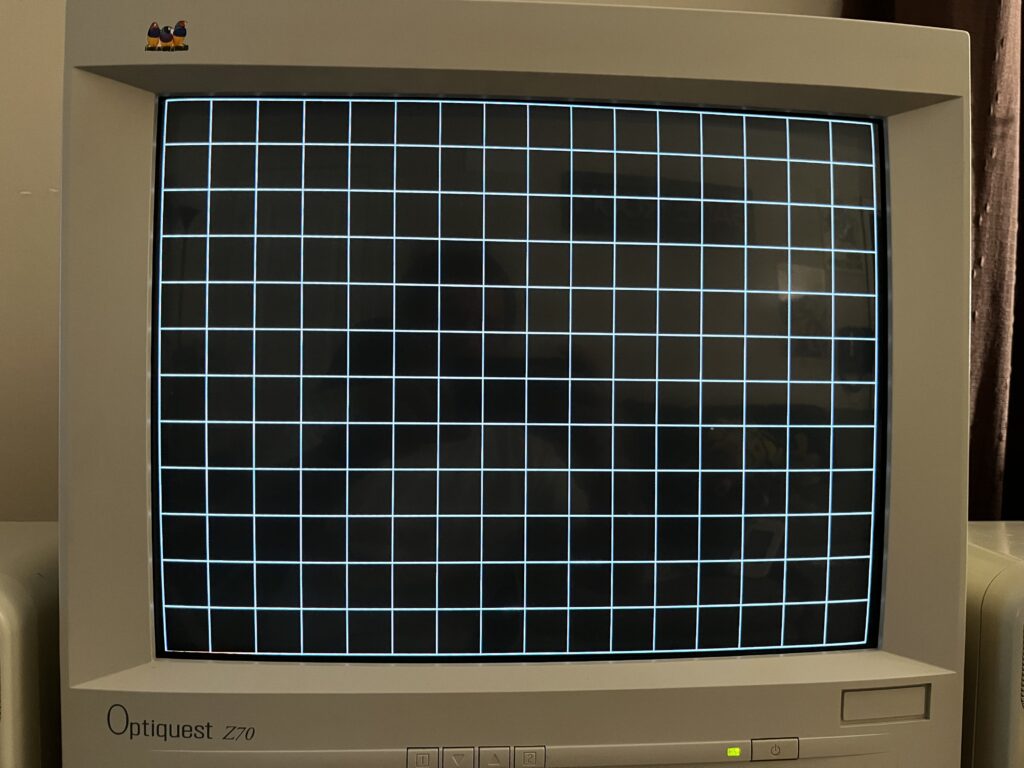
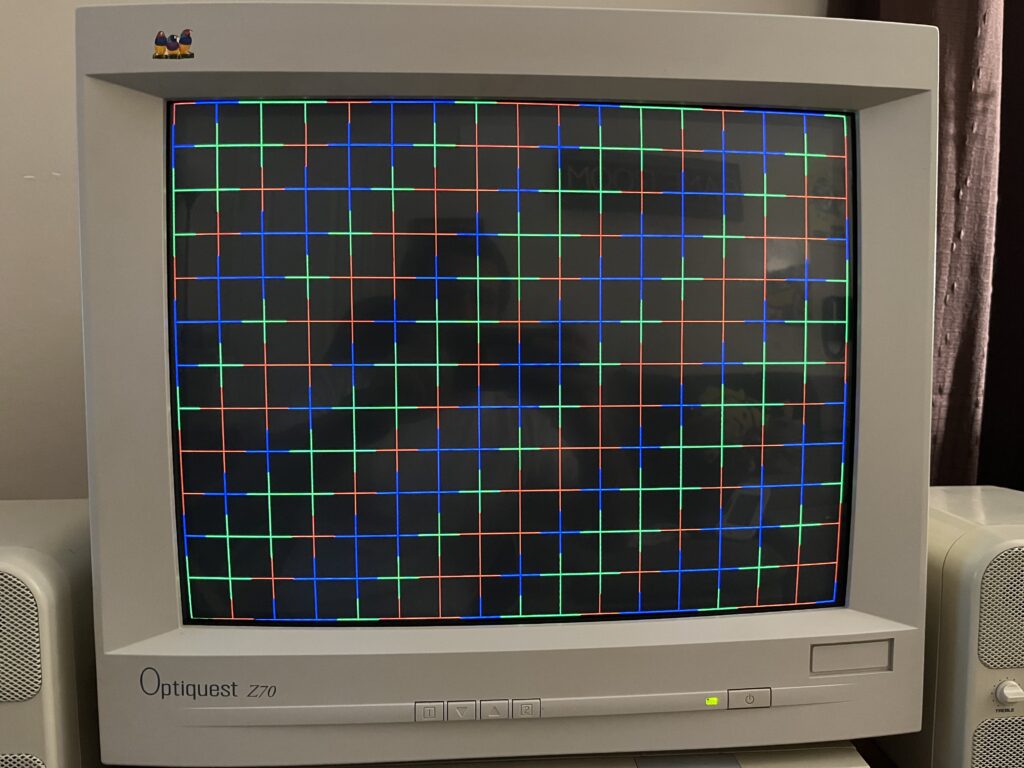
Geometry on these is usually solid but not perfect. You’ll see a little bit of edge behavior if you go looking for it, especially in the corners. That’s normal and the center is what really matters.

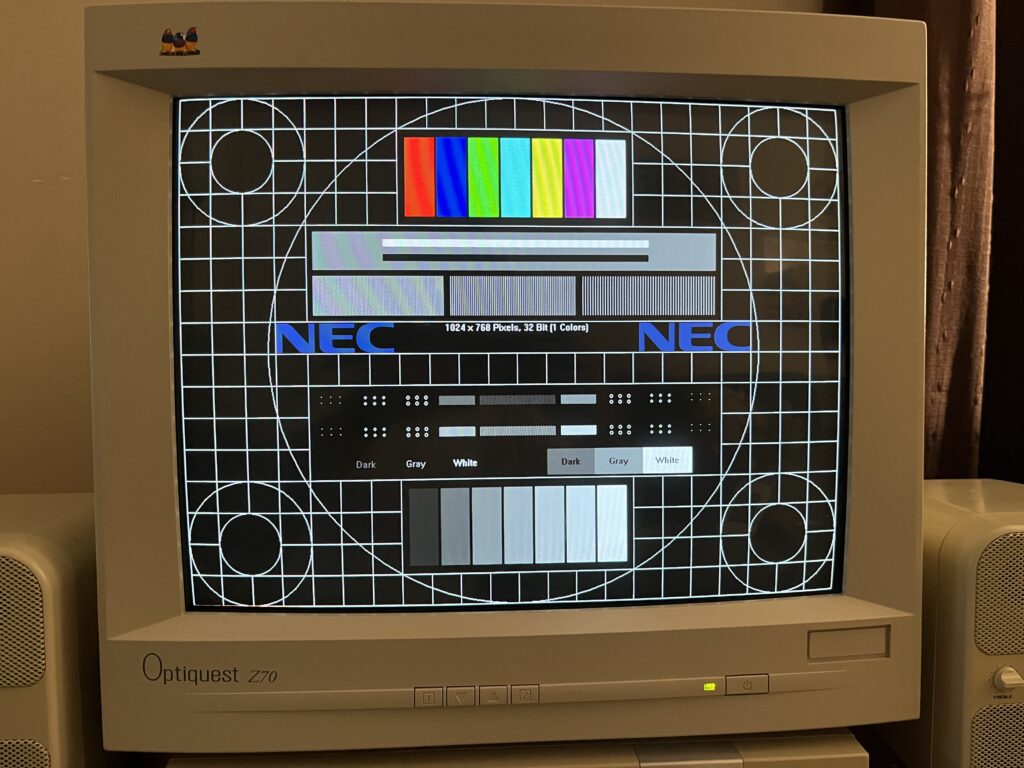
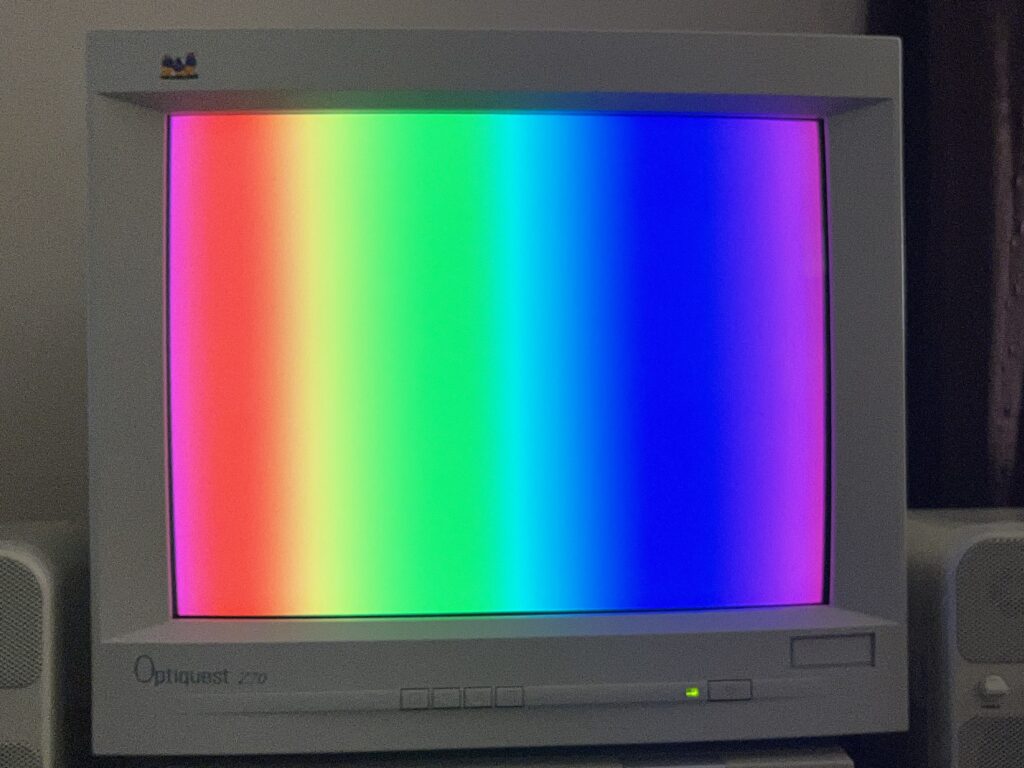
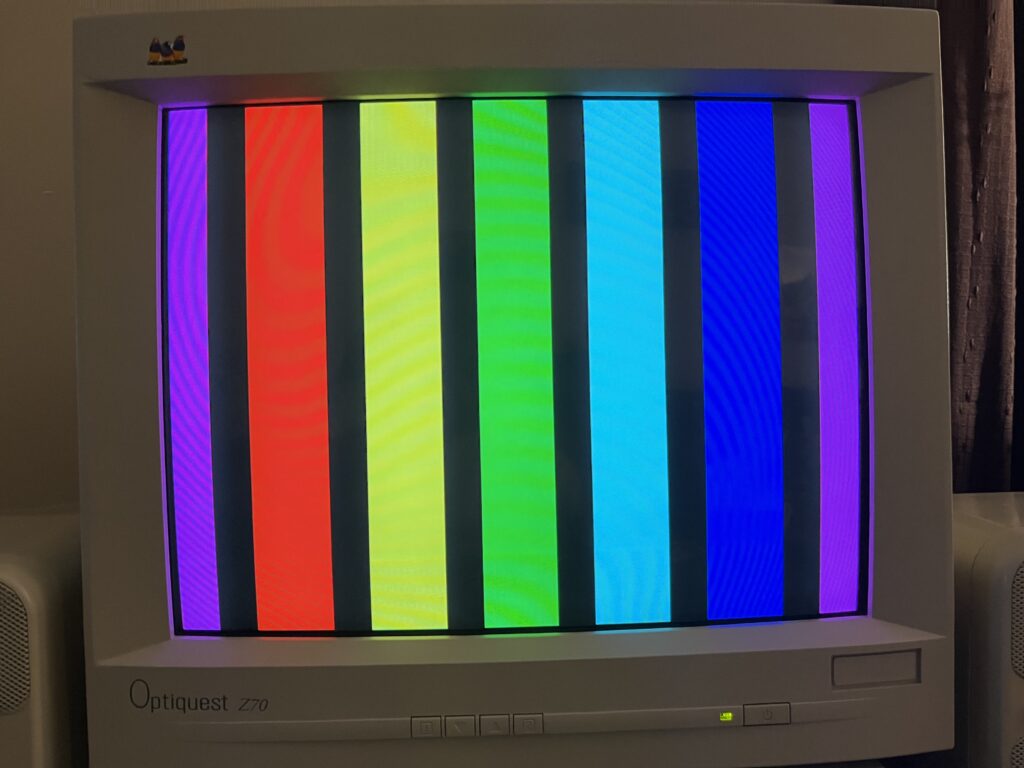
Brightness is obscenely strong. So much so i have it set to 0% and the contrast set to about 85% for all of the test images you see on this page. The color is mint… enough said on that.

Sharpness is the dividing line. If you’re coming from an aperture grille, you’re gonna think it’s soft. It is. That’s the point. This thing blends. Edges aren’t etched, they’re smoothed just enough to feel natural. For text, for general desktop use, even for a lot of games… it just works. It feels right.

With a good analog source, at 1024x768@85hz, this CRT is BEAUTIFUL! This is not top-tier. It’s not trying to be. It sits firmly in that mid-tier solid category, with sleeper potential if you get a clean one. The kind of monitor you could use daily without thinking twice, especially if you actually value comfort over flexing specs.

Should you buy one?

If you want a clean, reliable VGA CRT that just works and doesn’t fight you, yeah. Absolutely. If you’re chasing ultimate sharpness or trying to impress people with a spec list, go chase a Trinitron and deal with its quirks instead.

This thing is for people who actually sit down and use their setup. Do not sleep on QUALITY shadowmask PC CRTs like this Z70. It will blow you away!

I rate this CRT a 8.2.


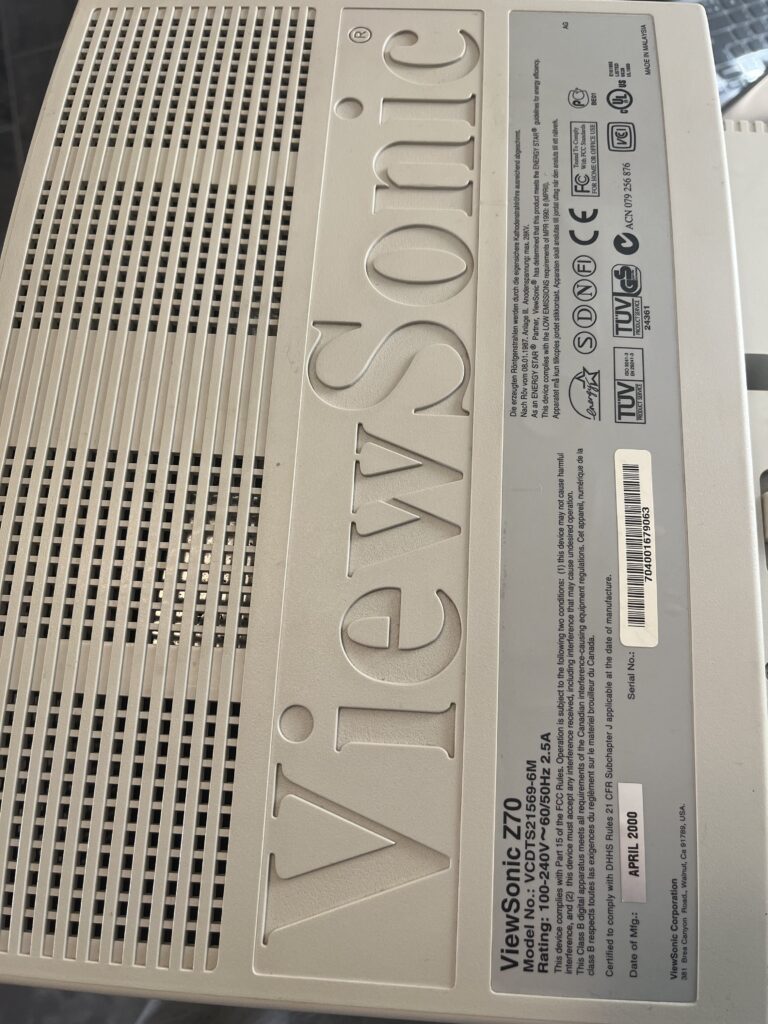
| Brand: | ViewSonic |
| Manufacturer: | ViewSonic Corporation |
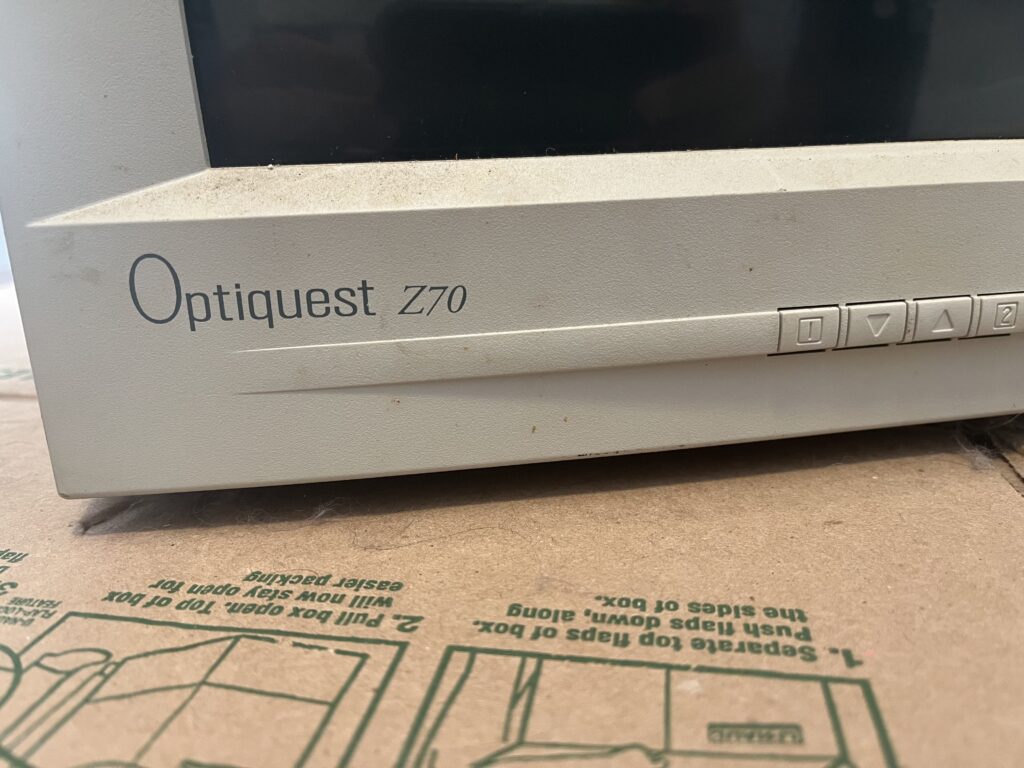
| Model: | Optiquest Z70 |
| Series: | Optiquest |
| Viewable Size: | 16.0 inches (17″ class) |
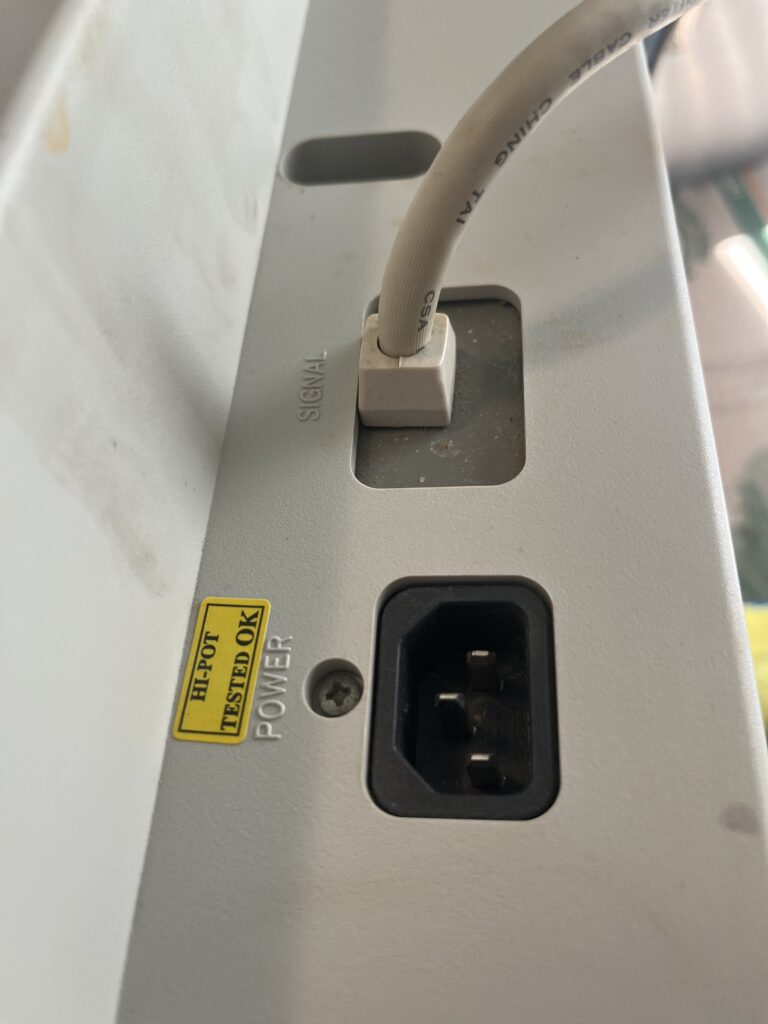
| Input Signals: | RGB Analog (0.7/1.0 Vp-p, 75 ohms), H/V Separate Sync (TTL) |
| Native Resolutions: | 640 × 480 @ up to 120 Hz 800 × 600 @ up to 110 Hz 1024 × 768 @ up to 87 Hz 1280 × 1024 @ 66 Hz |
| Horizontal Scan Range: | 30–70 kHz |
| Vertical Scan Range: | 50–120 Hz |
| Aspect Ratio: | 4:3 |
| Mask: | Shadow Mask |
| Adjustments: | Brightness, Contrast, H/V Position, H/V Size, Pincushion, Pin Balance, Trapezoid, Contrast, Brightness, H/V Position, H/V Size, Pincushion, Trapezoid, Parallelogram, Tilt, Pin Balance, Degauss, ViewMatch Color, Language, OSD Position, Memory Recall |
| Removable Glare Film: | No (Integrated anti-glare coating) |
| Sound: | None |
| Chassis: | Not clearly specified from User Guide |
| Weight: | 16.5 kg (36.3 lbs) |
| Dimensions (W/H/D): | 405 mm × 421 mm × 418.5 mm (15.9″ × 16.6″ × 16.5″) |
| Application: | Computer Monitor |
| Cabinet Material: | Plastic |
| Launched: | 1999 |
| Country of Manufacture: | Malaysia |
| Market: | Worldwide Consumer / Business |
| Power Standard: | AC 100–240V, 50/60 Hz (auto switching) |
| Mounting: | Desktop (fixed stand) (my stand is missing) |
| Degaussing: | Auto-on power, Manual |
| CREDIT FOR THIS SPECIFICATIONS TABLE GOES DIRECTLY TO: | Benjamin McKees research of official ViewSonic sources. See below. |
Product Brochure
User’s Guide
See common issues and potential solutions at the bottom of this page!
Faint horizontal lines across the screen
Faint horizontal lines may appear during certain backgrounds or colors and are often mistaken for a defect. The diagnosis is the presence of internal stabilizing wires used in the CRT design, which are part of normal operation and not a fault. The fix is no repair, as this is inherent to the display; proper viewing distance and typical use conditions will make them effectively unnoticeable in real-world use.

Flickering or unstable image
Flickering presents as visible screen instability or eye strain during use. The diagnosis is typically operation at too low of a refresh rate or external electrical interference affecting the analog signal. The fix is to increase the refresh rate to a non-interlaced, higher frequency supported by the monitor and remove nearby sources of electromagnetic interference such as unshielded speakers, power cables, or other devices.

Incorrect or missing colors
Color issues show up as missing red, green, or blue channels, or an image that appears heavily tinted. The diagnosis is almost always a signal integrity problem, such as a loose or damaged VGA connector or bent/missing pins. The fix is to inspect and reseat the video cable, verify connector integrity, and test with another system to rule out source-side problems.

Image scrolling or loss of sync
A vertically scrolling or unstable image indicates that the monitor cannot properly lock onto the incoming signal. The diagnosis is an out-of-range signal frequency that exceeds the monitor’s supported horizontal or vertical scan limits. The fix is to configure the graphics output to a supported resolution and refresh rate within the monitor’s specified operating range.

Power indicator on but no visible image
The monitor may appear powered but display no usable picture. The diagnosis is typically a disconnected or inactive signal path, or the system not outputting video. The fix is to confirm the video cable is securely connected at both ends, verify the computer is powered and outputting a signal, and test the outlet or power source for proper operation.

Control buttons not responding
Front panel controls may appear unresponsive or inconsistent. The diagnosis is improper input handling rather than hardware failure, as the interface expects single-button operation. The fix is to operate the controls one at a time as designed, allowing the monitor’s OnView system to register each input correctly.

Source: User’s Guide
Portions of this page include archived materials, images, and reference content originally published by ViewSonic. These assets were sourced from publicly accessible historical snapshots via the Internet Archive and are used strictly for informational, educational, and preservation purposes.

All trademarks, logos, and original materials remain the property of their respective owners. This site is an independent archival project and is not affiliated with or endorsed by ViewSonic. If you are a rights holder and would like any material removed or credited differently, please contact me and I will address it promptly.