2002…. The year I was born.

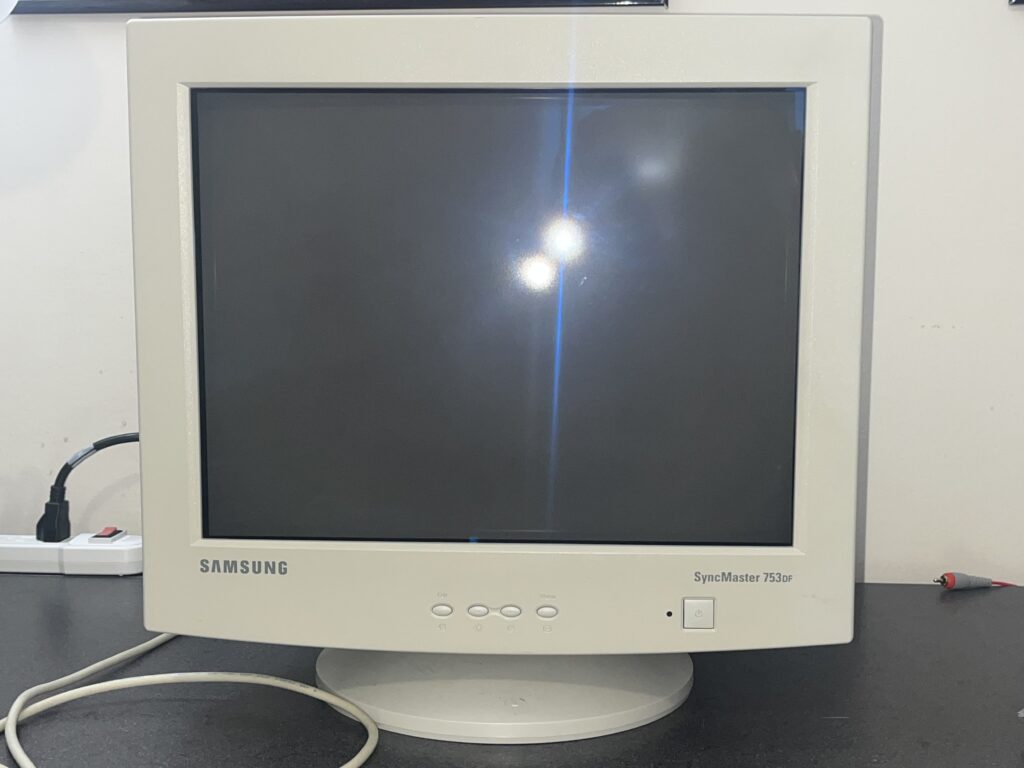
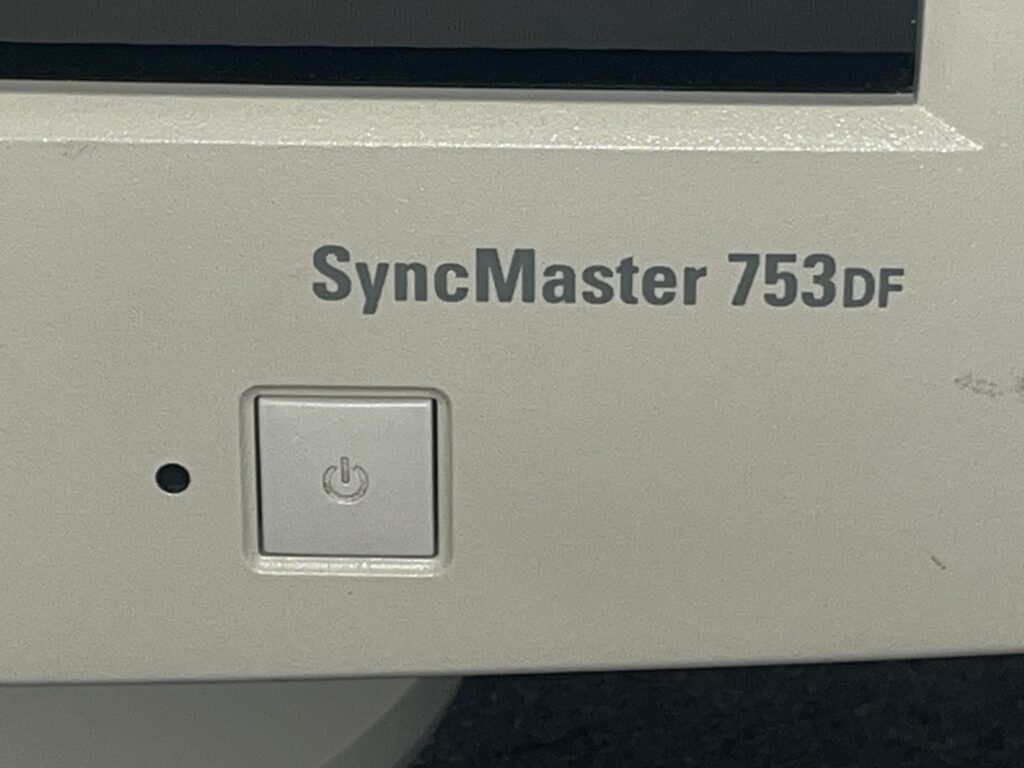
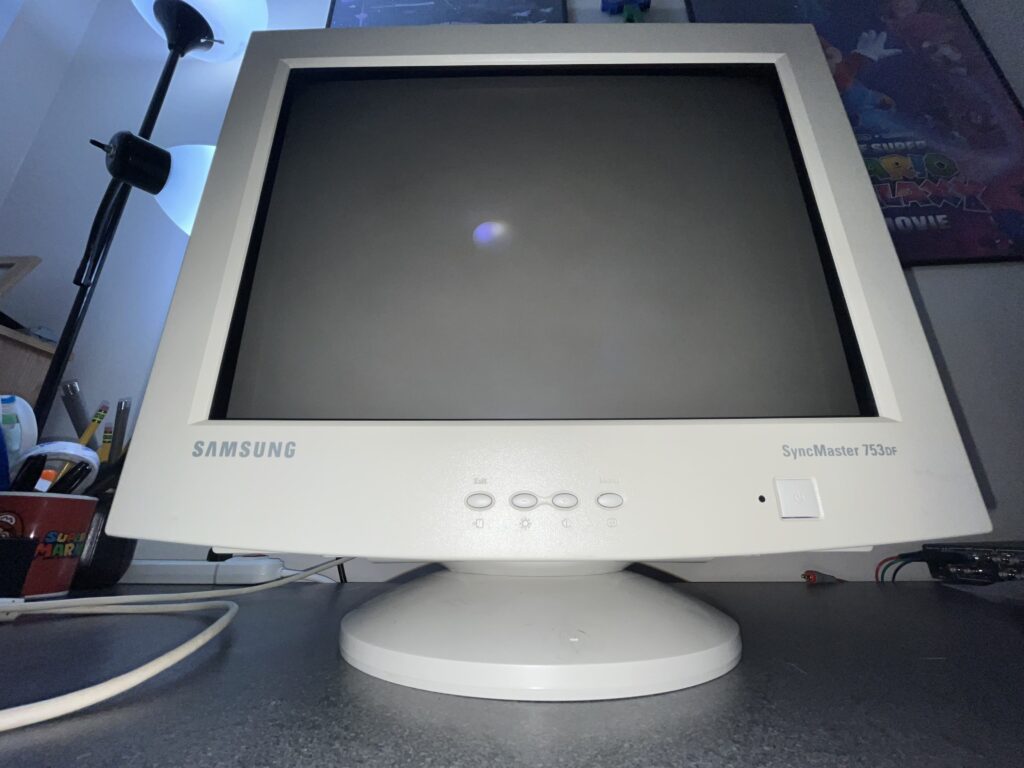
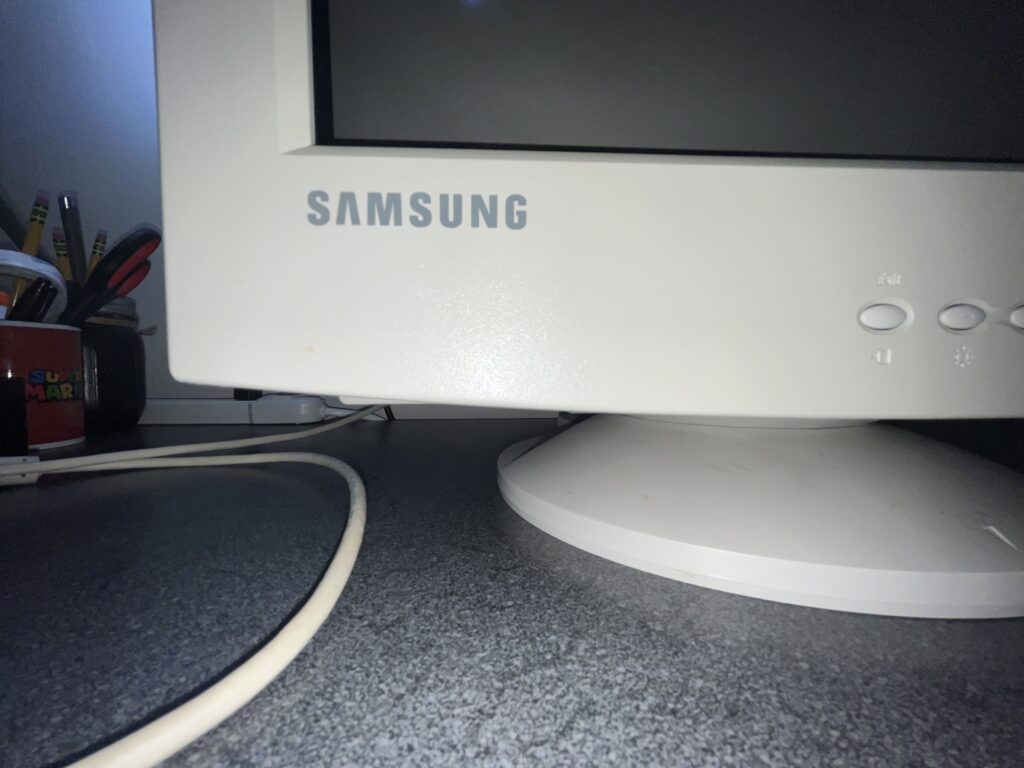
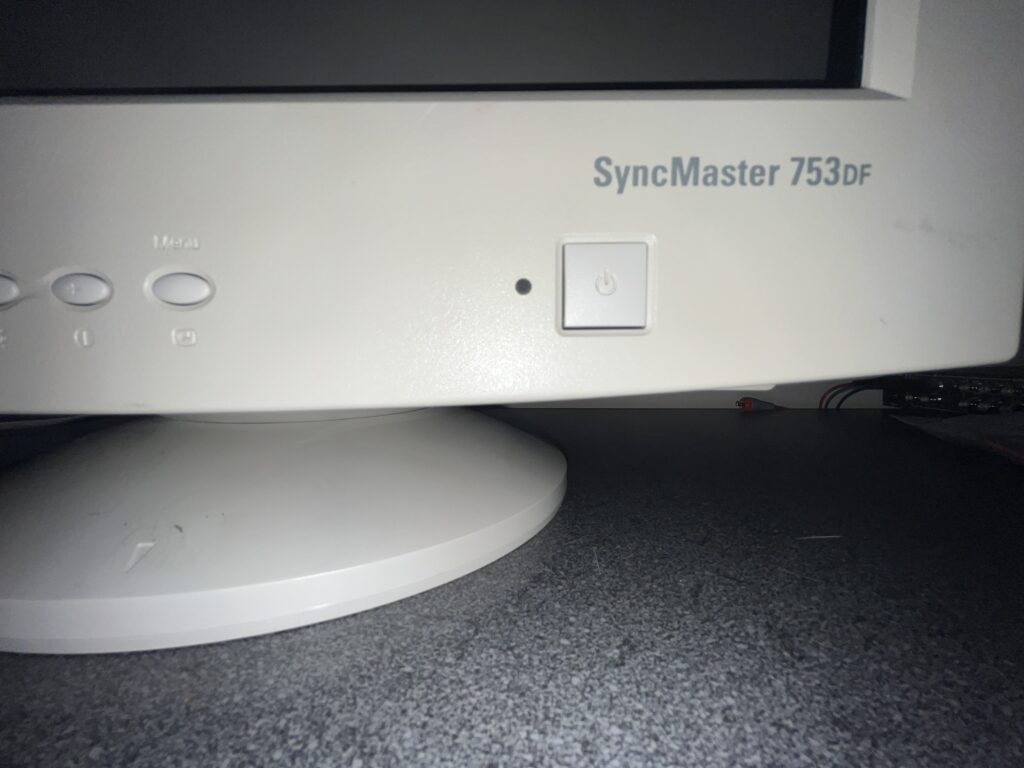
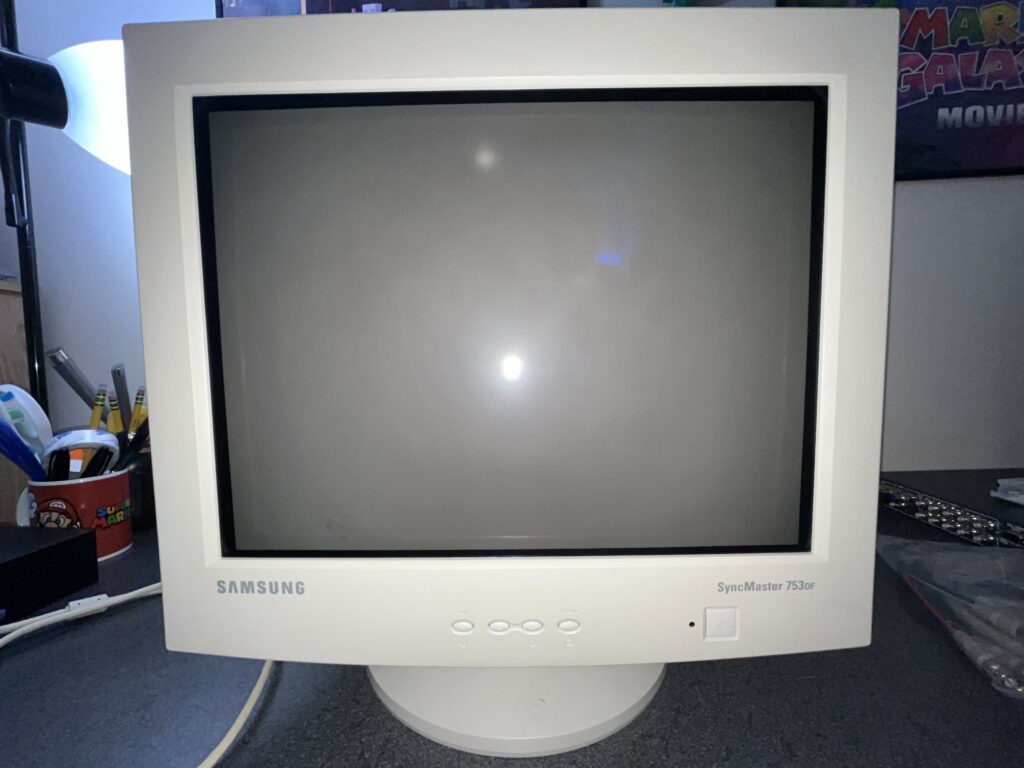
The office CRT was living on borrowed time. LCDs were getting cheaper… desks were getting flatter… The character was disappearing from the home “office”. A few companies release a few BANGERS in this era like this Samsung SyncMaster 753DF, sitting right at the end of an era.

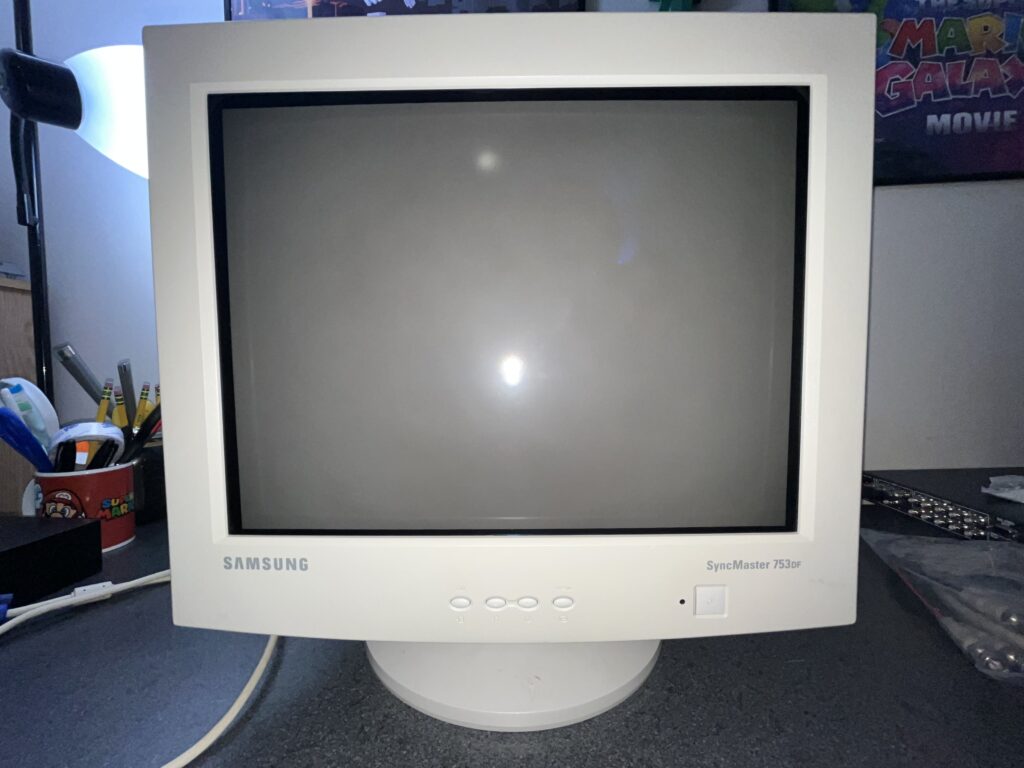
She is not a “grail”. She is a 17 inch Samsung shadow mask VGA monitor, built in November 2002 and she SURVIVED. I picked her up from my local YMCA. They where about to pay an EWASTE FACILITY <<<------ EWWWWW to take all of their old tubes and computers…. I stepped in and took the tubes and found TWO IDENTICAL 753DFs!

This is the kind of monitor people skip over because it does not say Sony, Mitsubishi, or ViewSonic on the front. It says Samsung, so people assume “basic office monitor” and YEAH she kind of was…that BUT the facts on this CRT are very clear from my use… she is NOT a junk tube. Samsung gave her a 17 inch flat-face, 90 degree deflection CRT with a 16 inch viewable image, 0.20 mm horizontal dot pitch, 0.24 mm diagonal dot pitch, “silica anti-electrostatic coating” whatever that means, and medium-short persistence phosphor. That is exactly the kind of late-era spec sheet that explains why she looks SO GOOD and exceeds expectations.

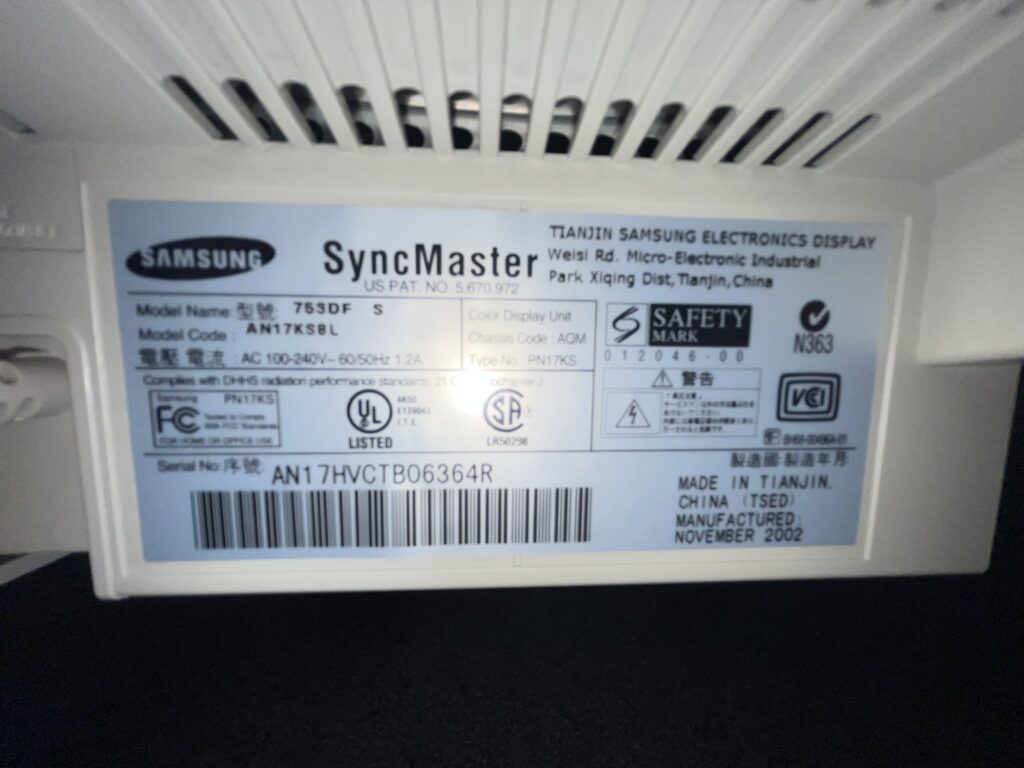
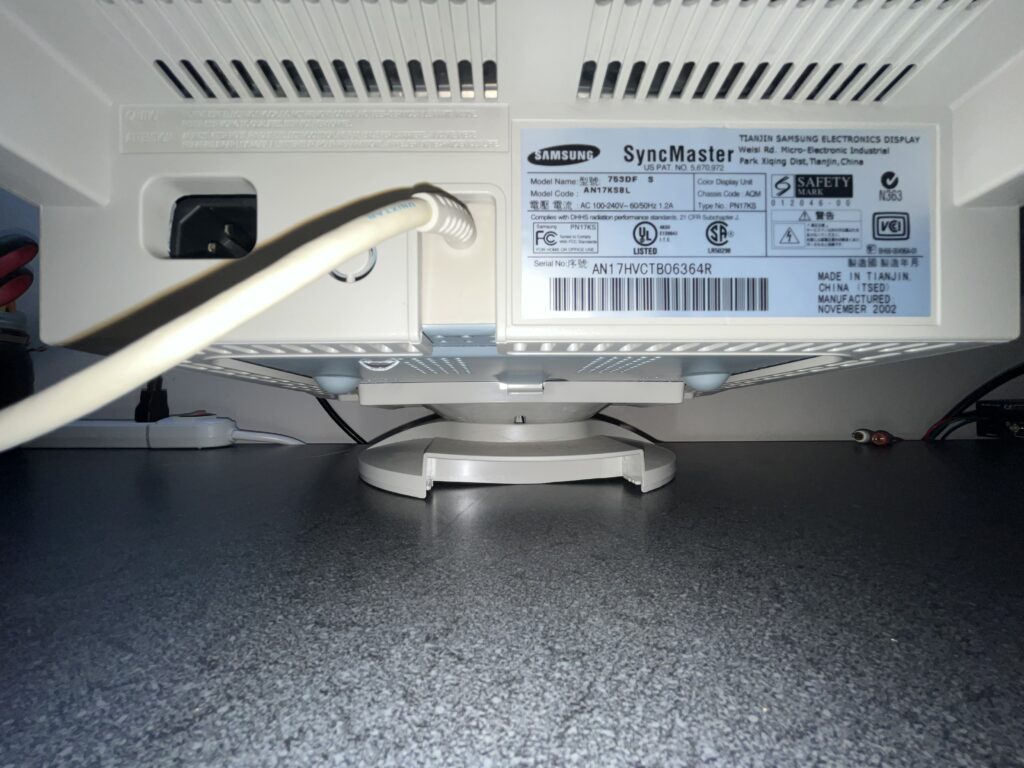
Mine is a SyncMaster 753DF S, model code AN17KSBL, chassis code AQM, type PN17KS. The service manual covers the AQ17KS platform, and the label on the back of this exact monitor lines right up with that family. She was manufactured in Tianjin, China in November 2002, which puts her deep into the final mature stretch of CRT monitor production.

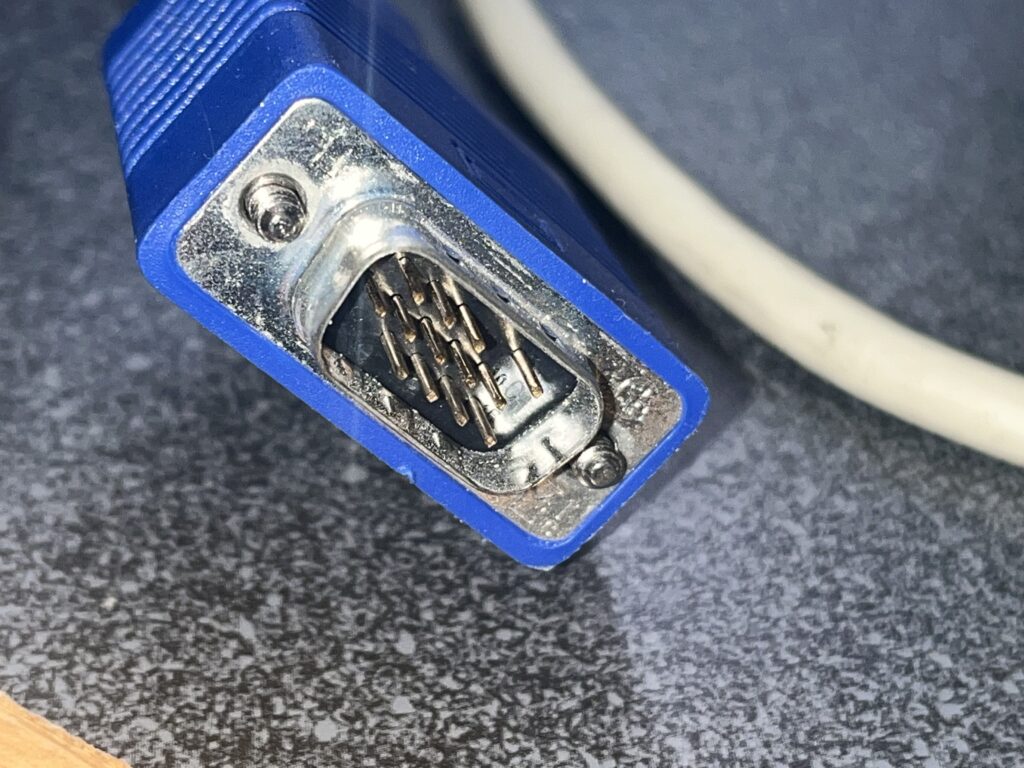
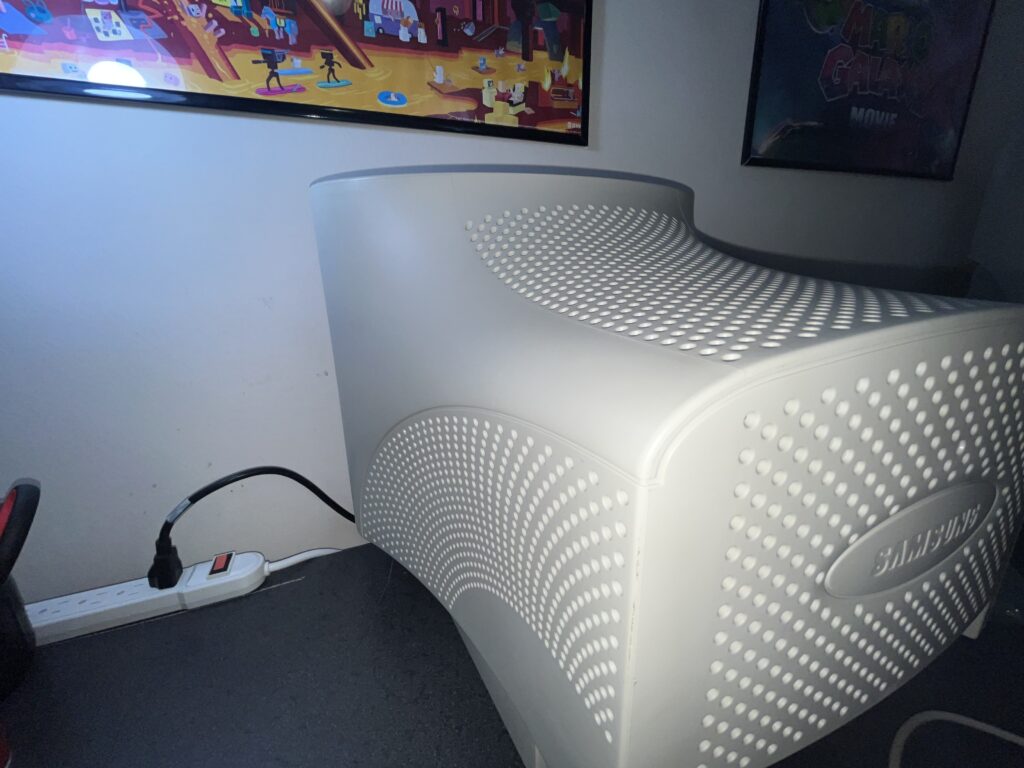
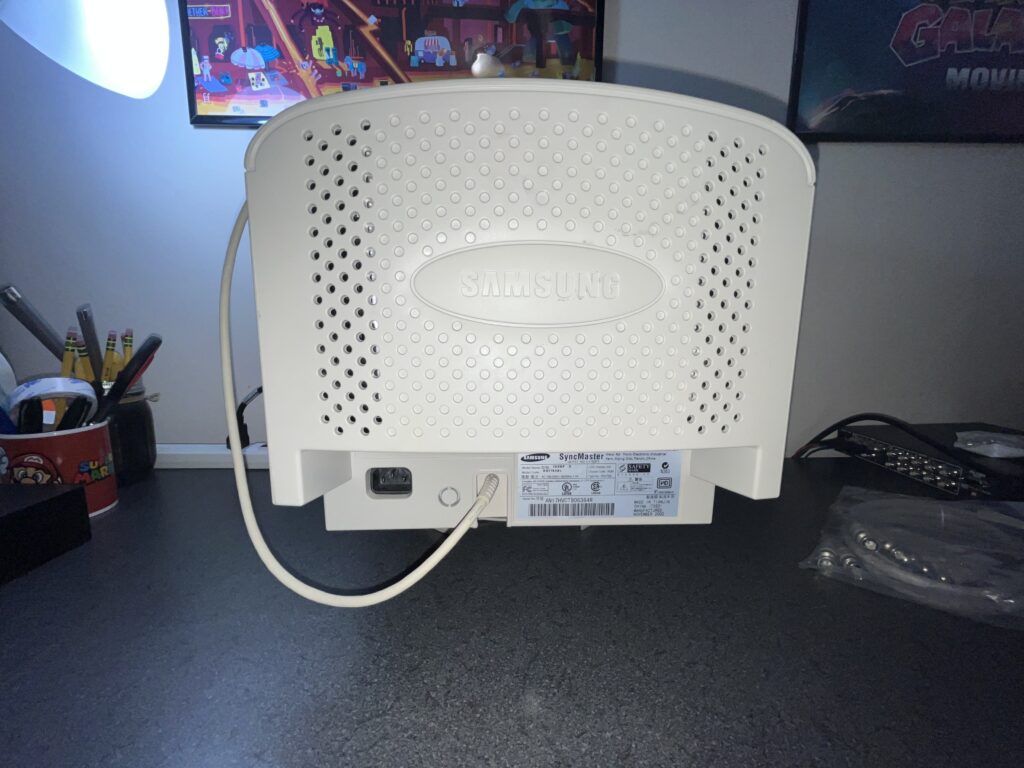
Condition is the first thing that you might notice. She is insanely clean and the shell is not urine cigarette smoke yellow, the vents are not packed with tar and office dust, and the built-in VGA cable is not tinted another color of….. Nastiness. Damn near NOS in my opinion. Her sister, which ive since parted ways with, was in the same cosmetic condition and featured a blue… strip of some kind on the top. Not sure what that is BUT the one uploaded to the CRT DATABASE features this same blue tape thing…

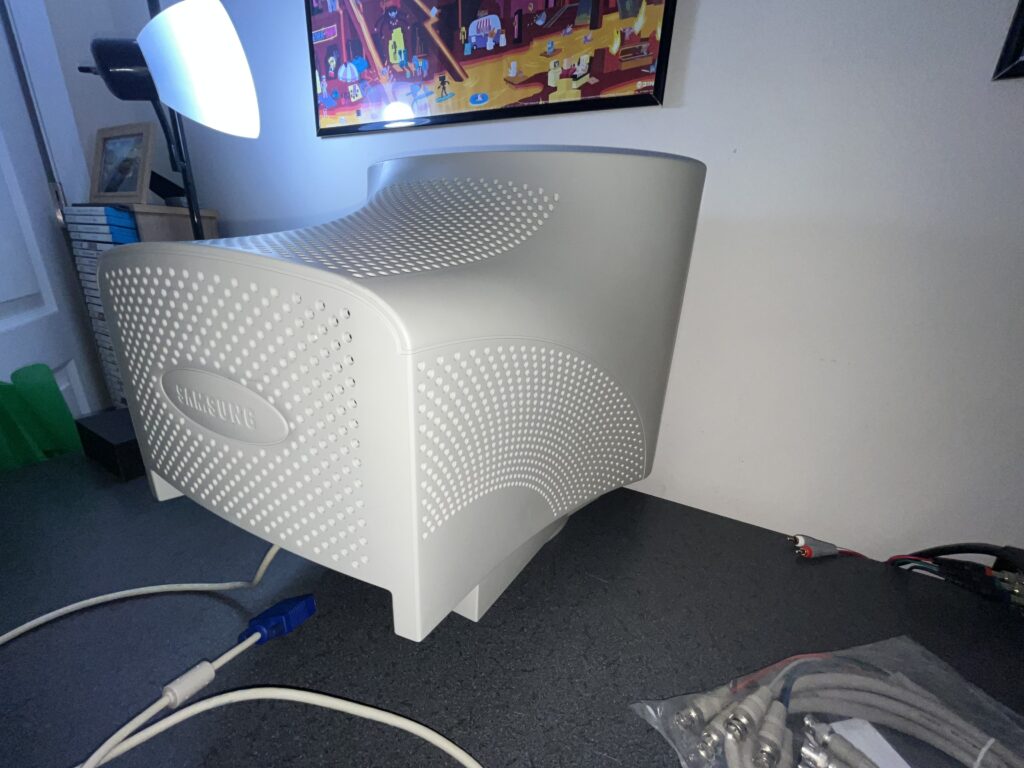
The back shell is also really slick looking. Samsung molded her with all these curved vent patterns and dot textures like they were trying to make a beige CRT look aerodynamic. Not an eye sore at all!

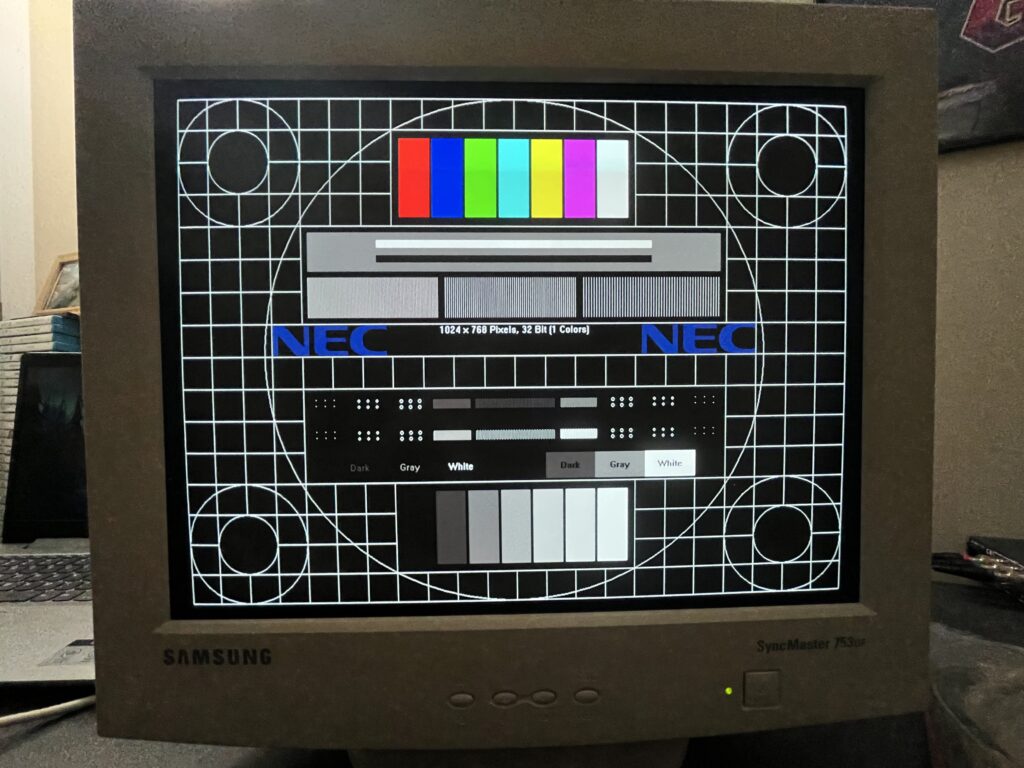
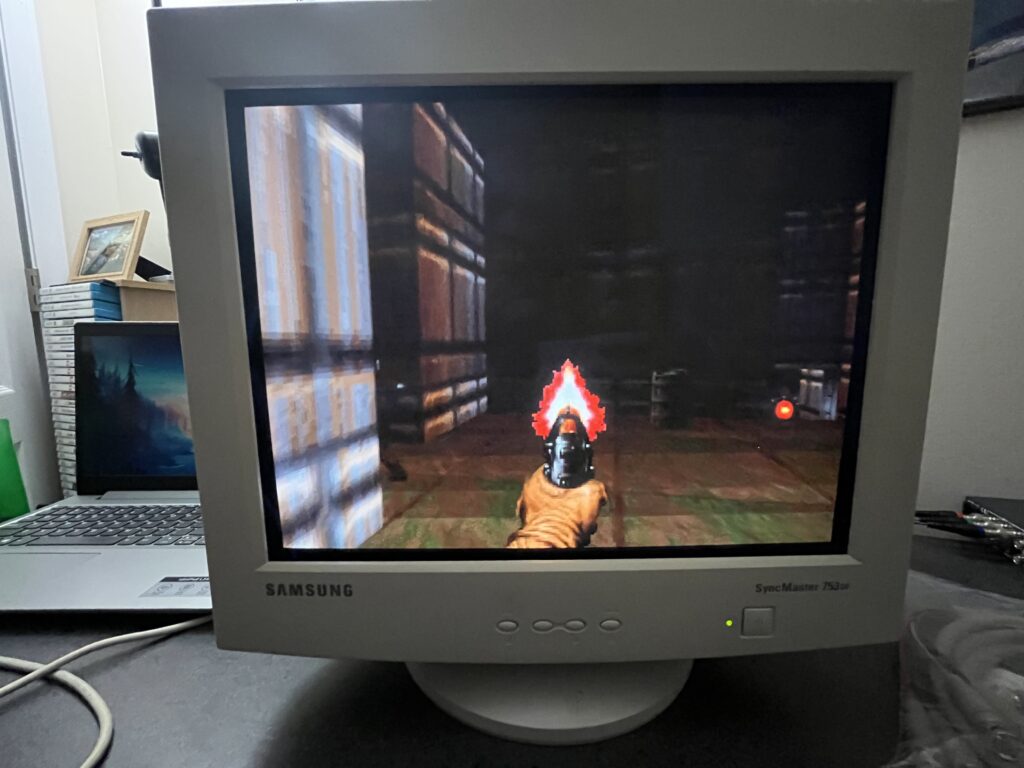
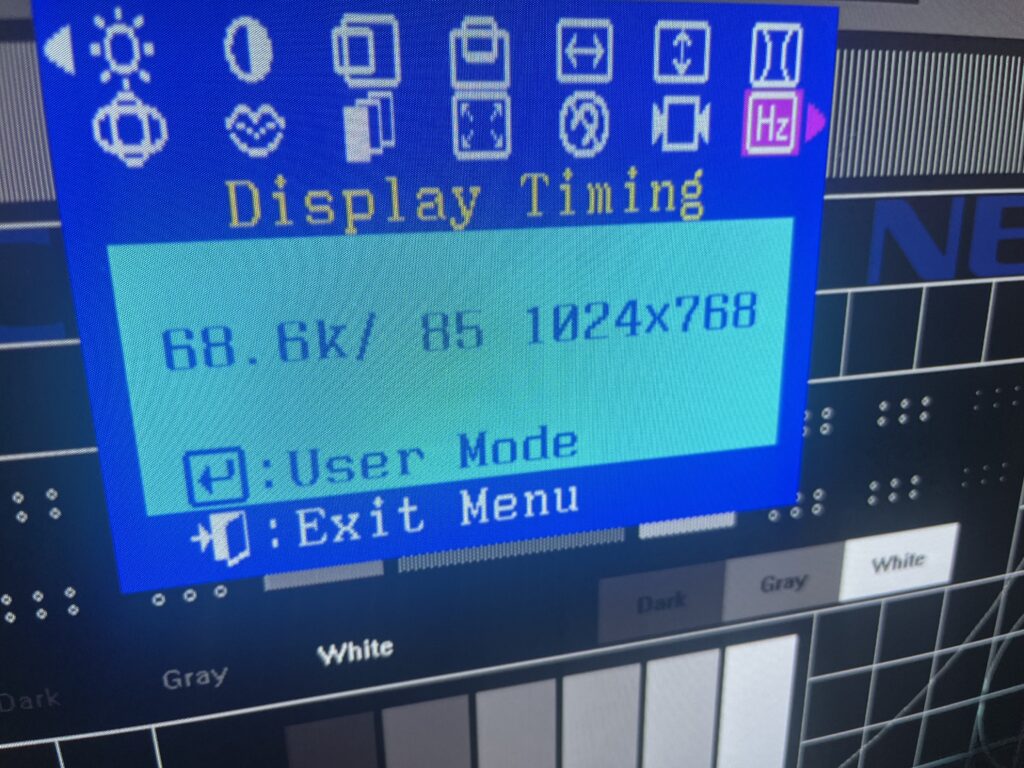
Testing was done at 1024x768 at 85Hz, which is also the mode Samsung’s own service paperwork keeps coming back to for adjustment work. The service manual calls out 1024x768 at 68 kHz / 85Hz as the adjustment mode for alignment, and my monitor’s OSD reports 68.6 kHz / 85Hz at 1024x768. That is not me forcing her into some stupid flex mode. That is where this chassis is the most comfortable and she looks fantastic. If she where 20inches or more id seriously consider swapping her in as my daily, replacing my A90.

The official supported range is 30 kHz to 70 kHz horizontal and 50 Hz to 160 Hz vertical. Maximum resolution for the 753DF is listed as 1280x1024, with a 110 MHz maximum pixel clock. But 1280x1024 on a 17 inch shadow mask is mostly for saying you can. The sweet spot is 1024x768 at 85Hz. That is where the flicker is completely absent and the image is still sharp.

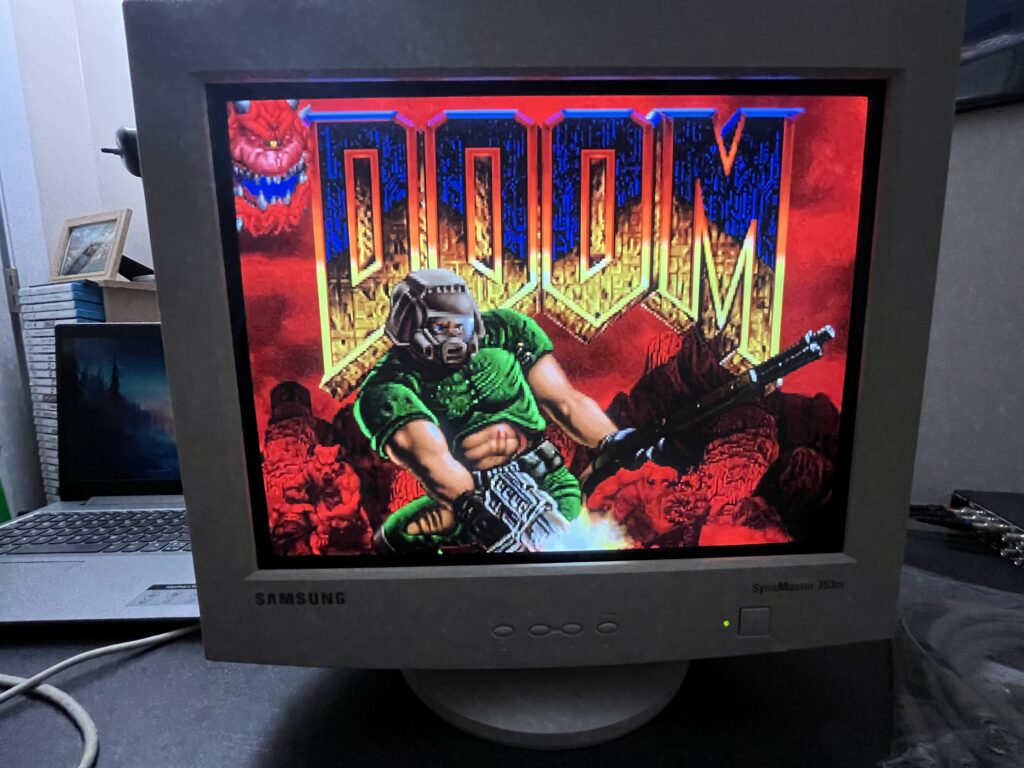
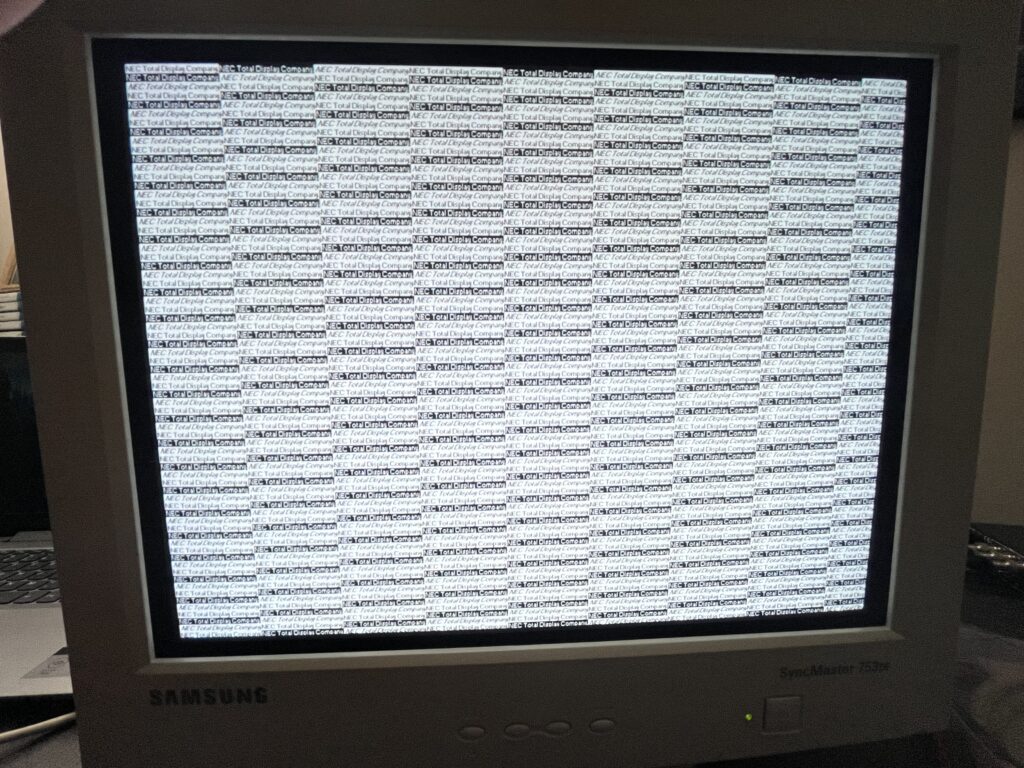
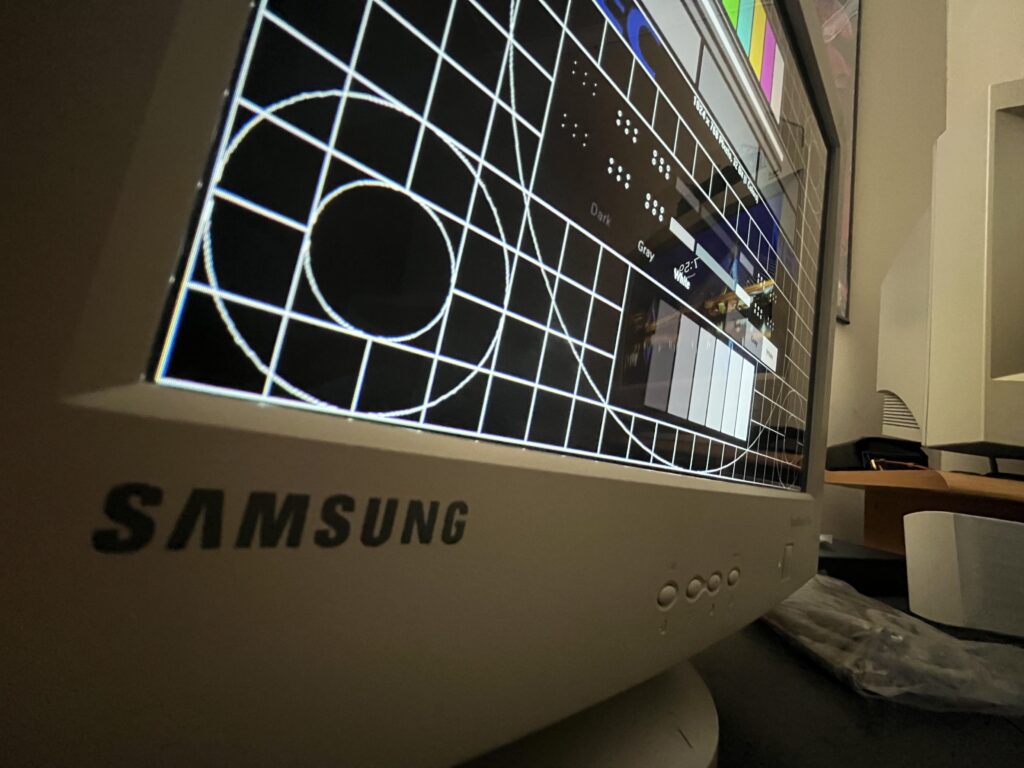
Ive said it a million times on my other pages… the myth is always aperture grille or nothing. Trinitron, Diamondtron, blah blah blah. I love those too! I LOVE THEM and I am absolutely a whore for a good aperture grille. But a quality shadow mask PC CRT has its own thing, and this Samsung shows it perfectly. She is cleaner than any cheap shadow, but softer than a high-end grille tube and thats what I love about her. Text looks natural on tubes like this and old Windows desktops and NEC test patterns have that paper-like PC CRT feel instead of looking like forced bright light!

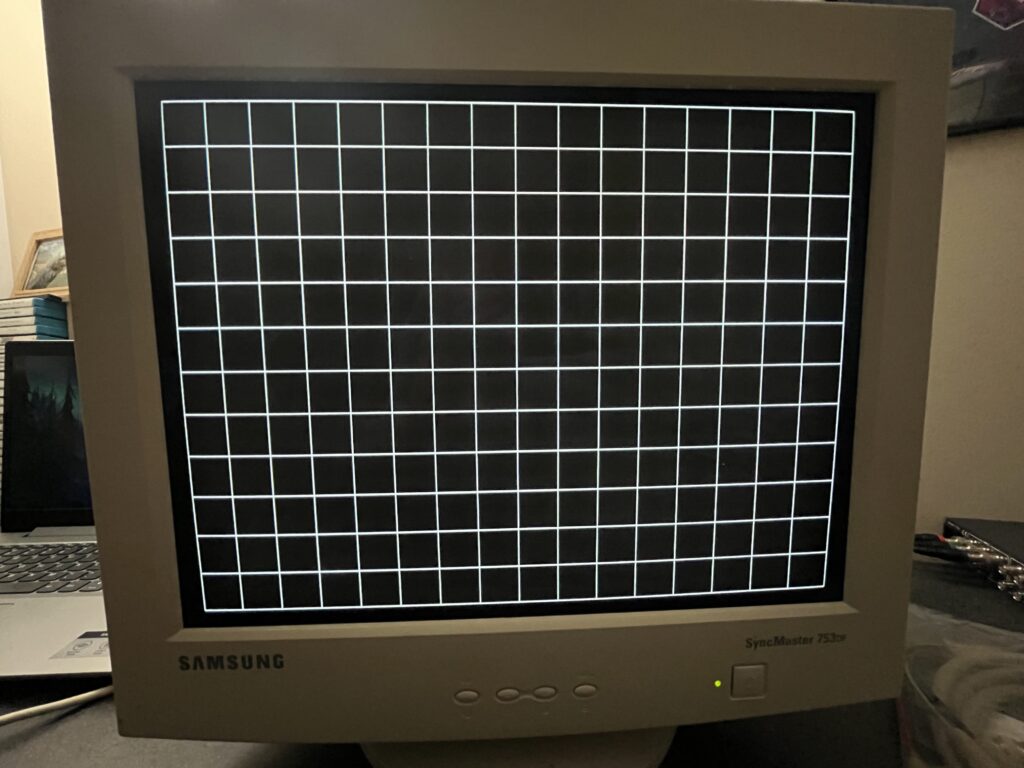
Geometry is better than expected. The user menu gives you horizontal and vertical position, horizontal and vertical size, pincushion, trapezoid, parallelogram, rotation, pin balance, and vertical linearity AND GEOMETRY ADJUSTMENTS. Samsung gave the user enough control to actually tame the picture without immediately diving inside the cabinet!

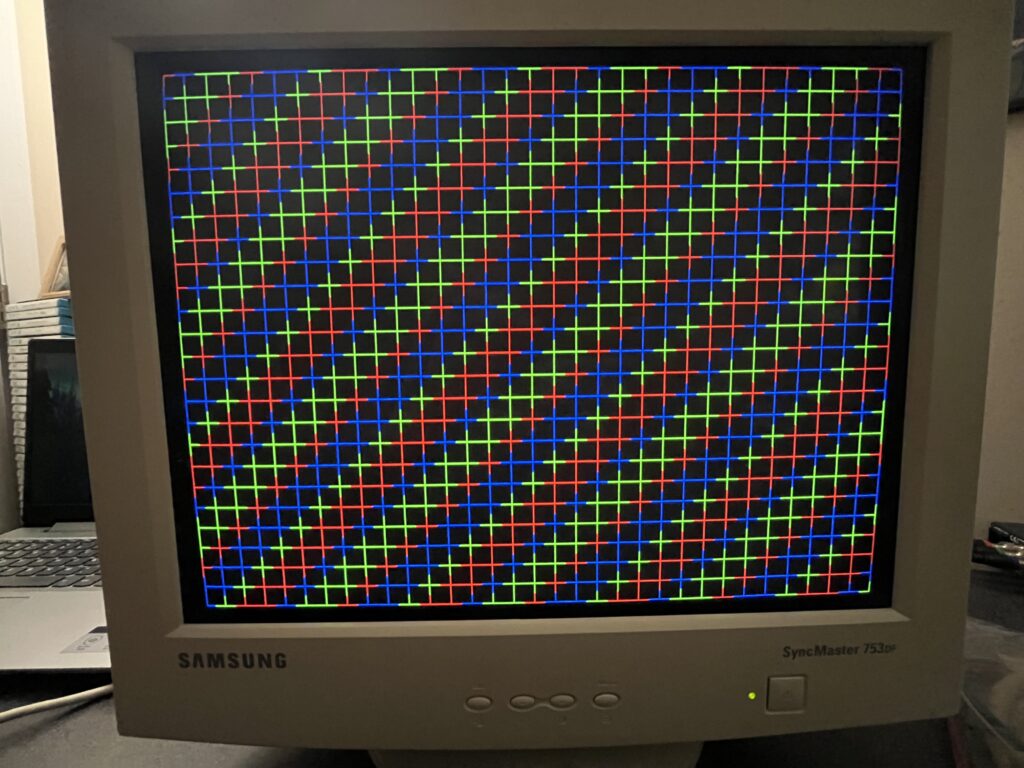
The service manual is a fantastic resource. Factory alignment is built around crosshatch patterns at 1024x768 / 85Hz, with active display targets of 312 mm horizontal by 234 mm vertical. It also lays out adjustments for horizontal size, vertical size, position, linearity, trapezoid, pin balance, parallelogram, pincushion, rotation, focus, purity, and color.

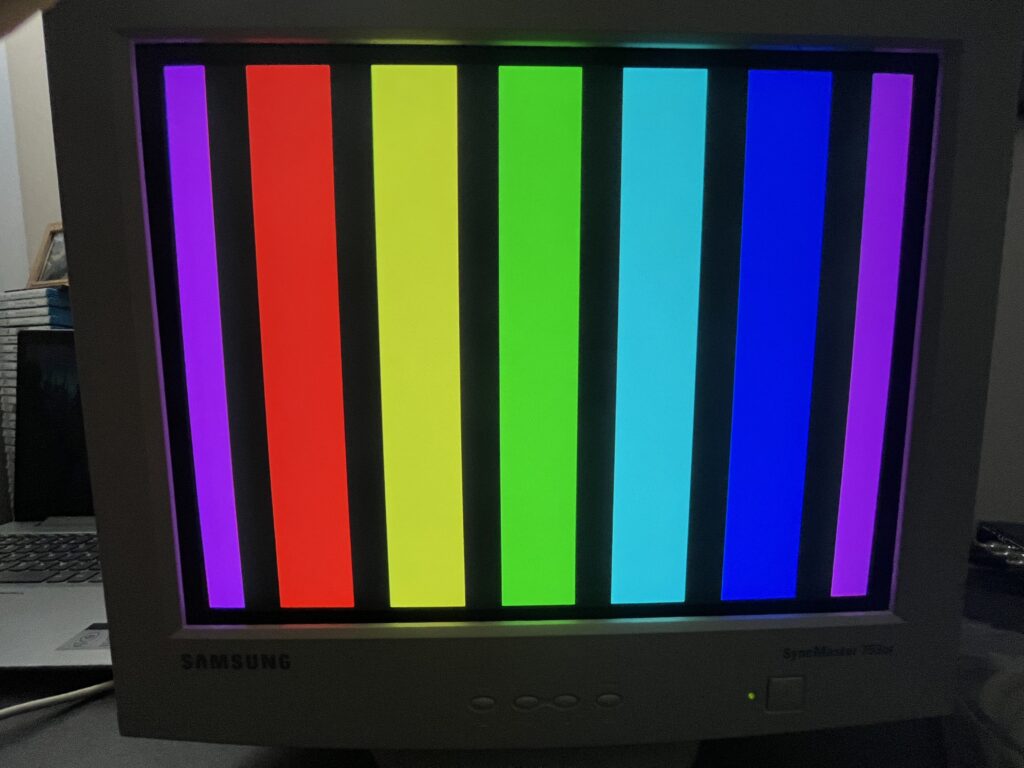
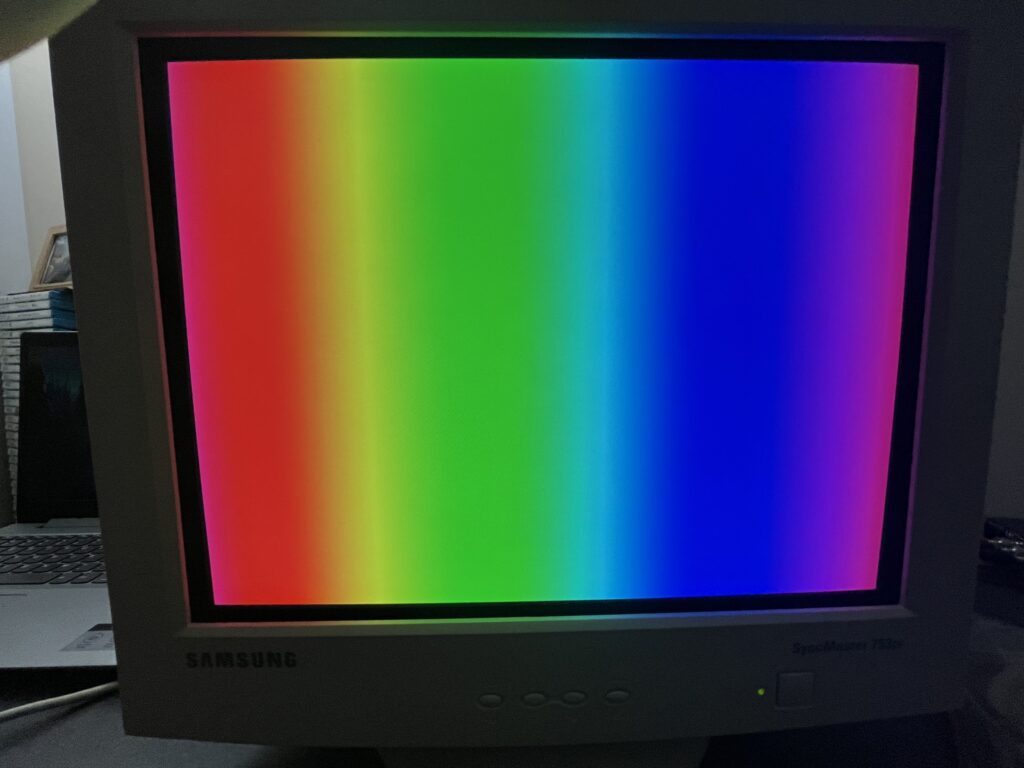
Brightness and tube health are the part that really surprised me. This monitor does not look tired. Samsung rates the tube as using medium-short persistence phosphor, and in real use she has that quick, clean CRT motion feel without modern LCD smear. The colors are strong, the white grid still pops, and the black areas still have depth. A worn-out office CRT gives itself away damn near instantly. Dim white, muddy color, weak contrast, sad gray blacks. This monitor does not show ANY of those death signals. Honestly.. I think this was used in the YMCA for the kids to use or something. I really can't figure out exactly what the daily use would have been but clearly it was minimal.

Color control is also better than basic. The OSD lets you choose video input level between 0.7V and 1.0V, and color temperature between 9300K and 6500K. The service manual specifies factory color targets for both: 9300K at x 0.283 / y 0.298, and 6500K at x 0.313 / y 0.329. That lines up with what I see: she can do the cool blue stereotypical CRT computer-monitor look, but she is not trapped there if you want something warmer.

She also has horizontal and vertical moiré correction, which makes sense because this is a fine-pitch shadow mask tube. Some moiré on PC CRTs is not always a defect. Sometimes it is just the ugly little fight between scan resolution, mask structure, and the test pattern being displayed. Samsung knew that and gave you endless controls for it.

Power-wise, she is not some monster. The owner’s manual lists the 753DF at 90 watts maximum and 75 watts nominal in normal operation, with PowerSaver modes dropping to 55 watts nominal in standby, under 15 watts in suspend, and under 3 watts in power-off mode. The rear label on mine says AC 100–240V, 50/60Hz, 1.2A, which matches up with the universal-input late-era of these monitors.
OVERALL,

Not S-tier collector bait. Not rare enough to be someone's GRAIL, but NOT junk. She is the kind of honest, useful, clean VGA CRT that people are going to miss when they realize all the “normal” monitors got thrown away while everyone was to focused on the production grade abused Sonys.

Every CRT collection needs a spare…. This girl has that job. She sits in a dry, cool closet in my game room safe and sound and ready to rock when I need her. She is the monitor you pull out when something else dies, and after using her for a but you remember that NORMAL feels great! 8.1
| Brand: | Samsung |
| Manufacturer: | Samsung |
| Model: | 753DF |
| Series: | SyncMaster DynaFlat |
| Viewable Size: | 16″ |
| Input Signals: | VGA |
| Native Resolutions: | VGA, SVGA, XGA, SXGA |
| Horizontal Scan Range: | 30 kHz, 70 kHz |
| Vertical Scan Range: | 50 Hz, 160 Hz |
| Aspect Ratio: | 4:3 |
| Mask: | Shadow Mask |
| Adjustments: | OSD Customer Controls |
| Removable Glare Film: | None |
| Pitch: | .24 mm, 0.24 mm |
| TInt: | Dark |
| Sound: | None |
| Chassis: | DP85 |
| Weight: | 33.1 lbs (15 kg) |
| Dimensions (W/H/D): | 412 x 415.5 x 420 mm (16.2 x 16.3 x 16.5″) |
| Application: | Computer Monitor |
| Cabinet Material: | Plastic |
| Launched: | November 2002 |
| Country of Manufacture: | Tianjin, China |
| Mounting: | Desk Swivel Mount |
| Degaussing: | Auto-on power, Manual |
| Power Standard: | AC 100–240V, 50/60Hz |
| Market: | WorldWide |
| CREDIT FOR THIS SPECIFICATIONS TABLE GOES DIRECTLY TO: | Service Manual & Mike Morisette on the CRT DATABASE |
User Manual
Service Manual
Many technical specifications listed on this site are sourced from the CRT Database. Their work documenting CRT displays is extensive, accurate, and incredibly valuable to anyone interested in this hardware.

Whenever specifications are used from their database, proper credit is given.

If you want deeper technical details on any CRT mentioned here, you should absolutely reference their site.


CRT Database: https://crtdatabase.com