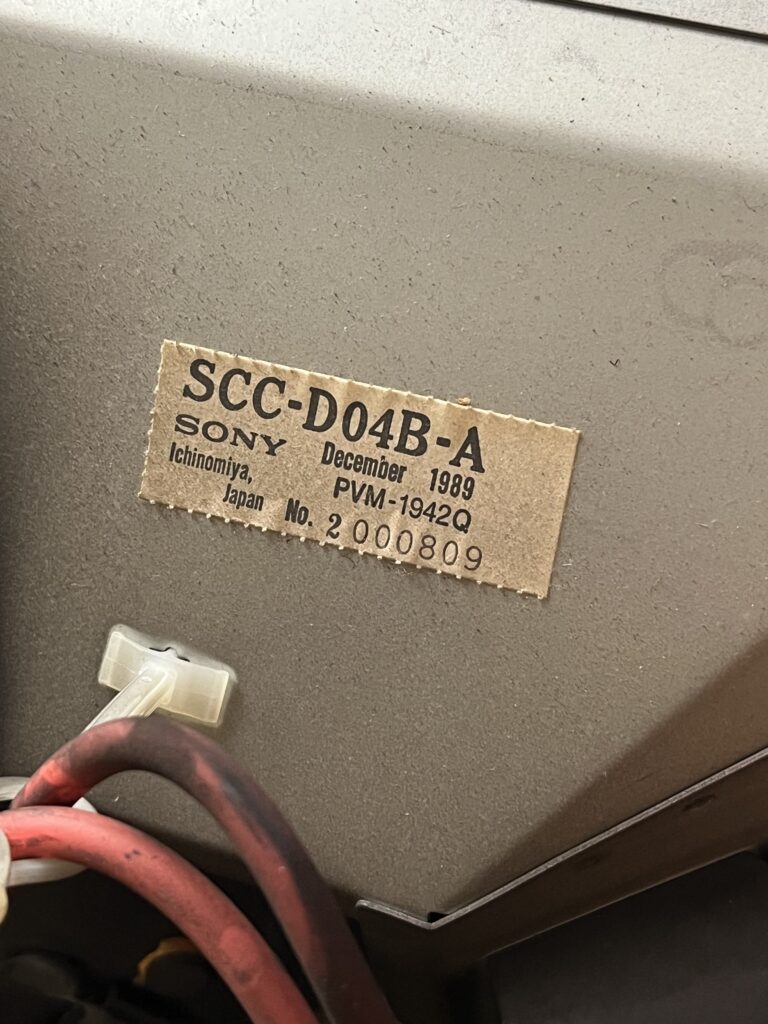
1989

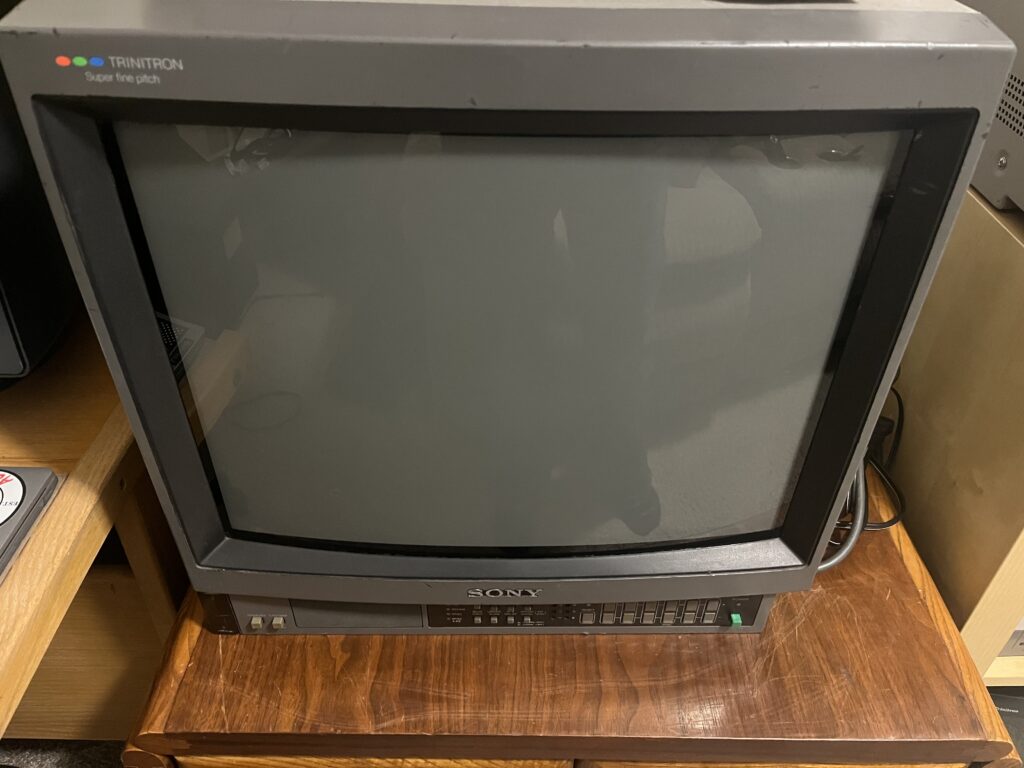
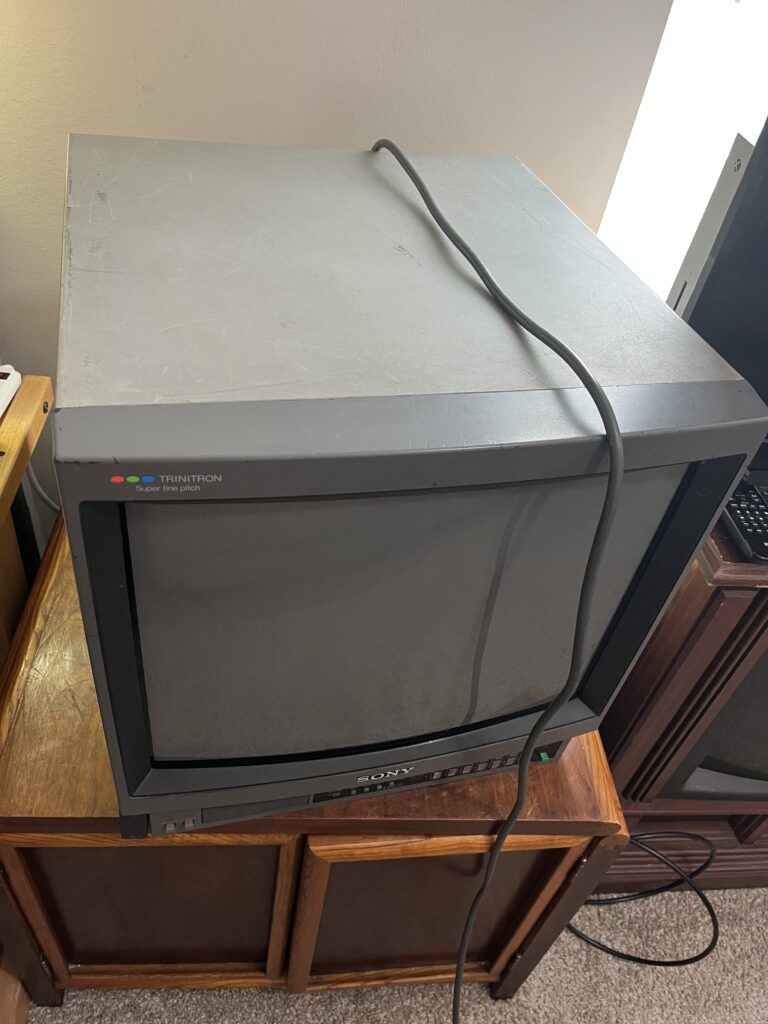
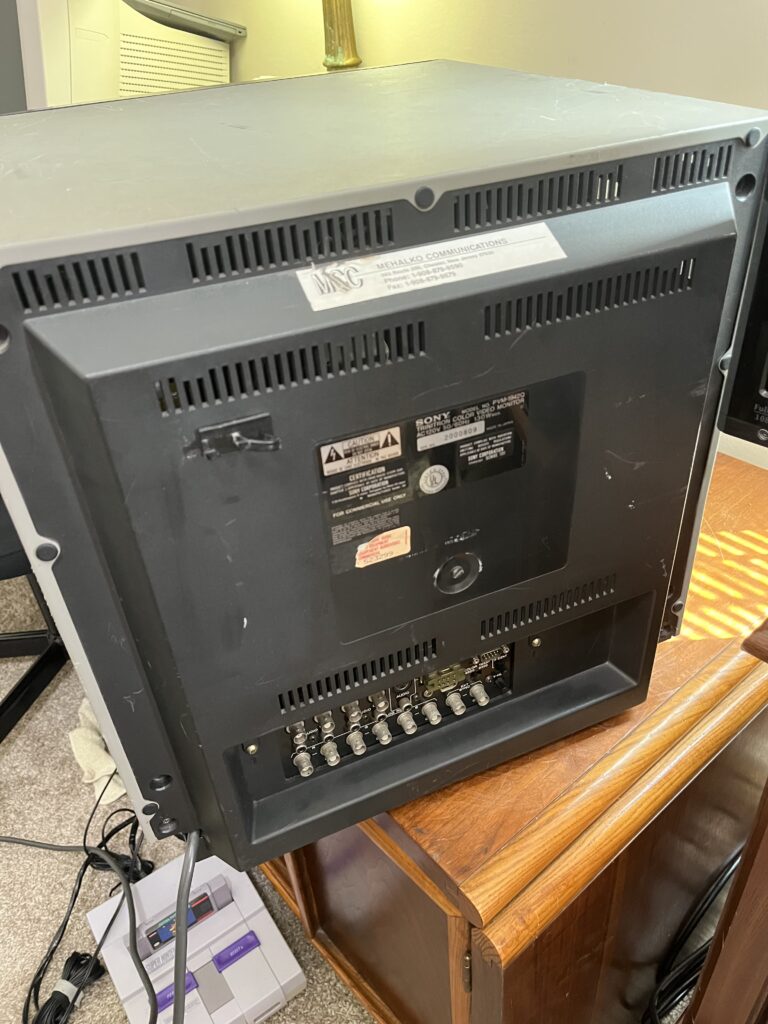
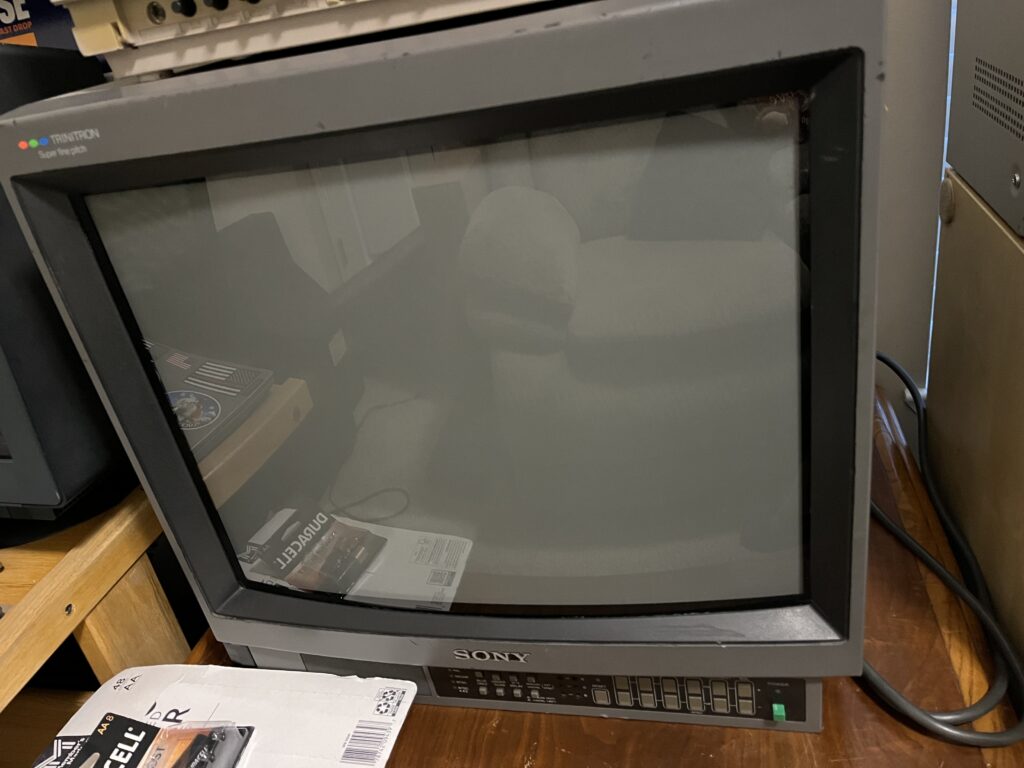
The 1942Q is the earlier XX42 family set, basically the pre-M-series Sony broadcast monitor people still like because it tends to be seen as more reliable than later M-series sets when it comes to the power supply. She’s got that older Sony broadcast look from, like, your local PBS station without going full later model PVM tax/price obscenity. It really hurt to let this PVM go.

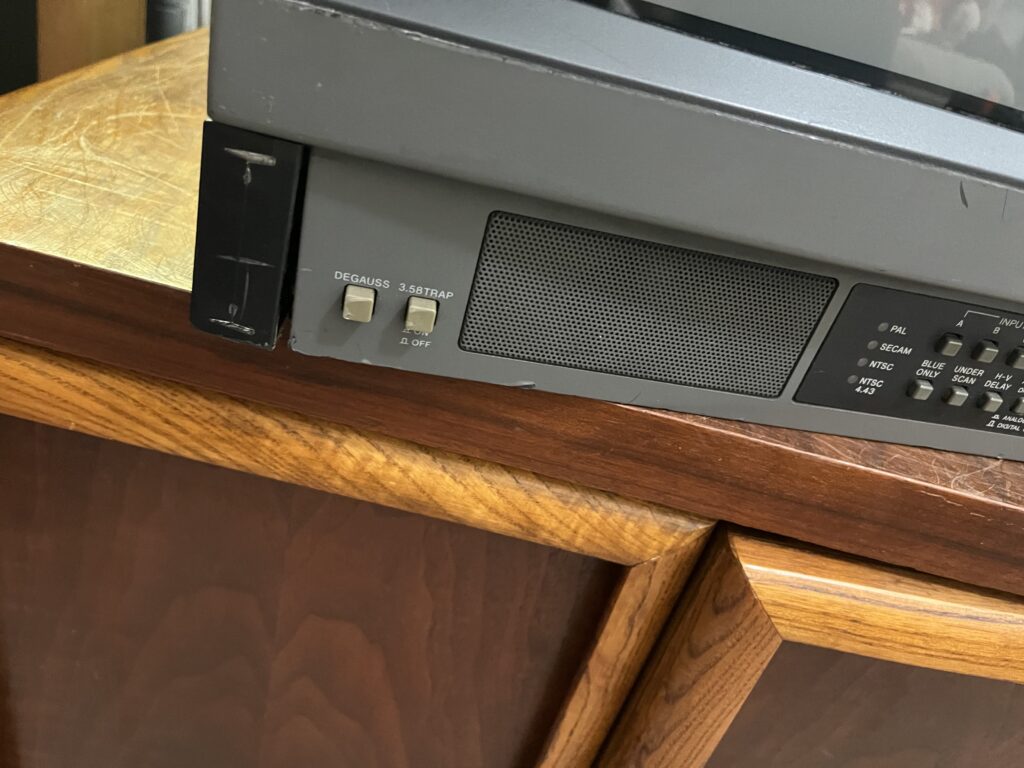
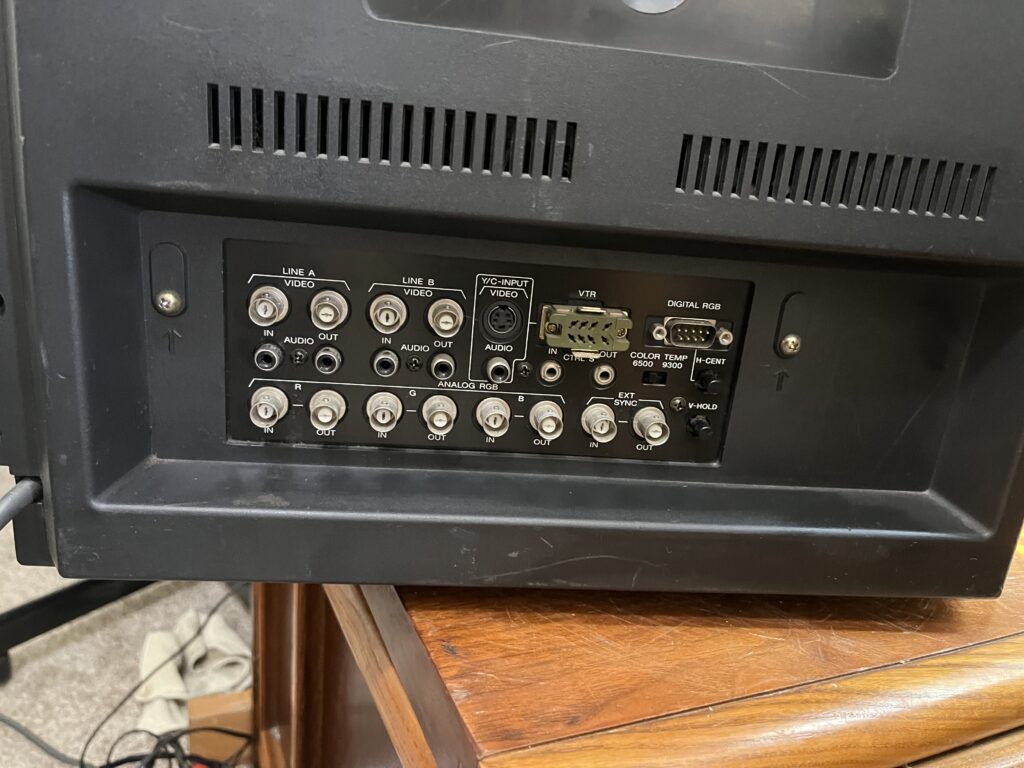
One weird quirk: the 1942Q’s H-CENT control on the back only affects the Digital RGB input, not the analog game-console RGB path.

Common complaints:

The 1942Q is also known for some annoying old-school Sony weirdness. The Digital RGB input confuses people because it is TTL computer RGB, not console RGB and it looks like a weird serial port. If you are not familiar with old computers this may be completely foreign to you.
The H-Center adjustment on the rear misleadingly does basically nothing for normal analog RGB gaming setups.

The RGB audio behavior is dumb on the 1942Q because Sony muted it in RGB mode unless you mod around it. “Sony didn't provide an audio input jack for the 1341, 1342Q, 1343MD, 1941, 1942Q, or 1943MD. Only the 1344Q/1944Q has an audio input for RGB. However, I found a way to get around this limitation. Sony MUTES the audio input when you select "RGB" as the input - without this muting it would actually pull audio from the Line A input jack. So if you disable the muting you can use the Line A audio input for both RGB and Line A audio :) They use the "RGB" signal selector voltage to trigger a muting circuit for the audio, so if we take away the RGB signal from the QE board it no longer knows to mute the audio for RGB” -Andy King (CRTDATABASE)

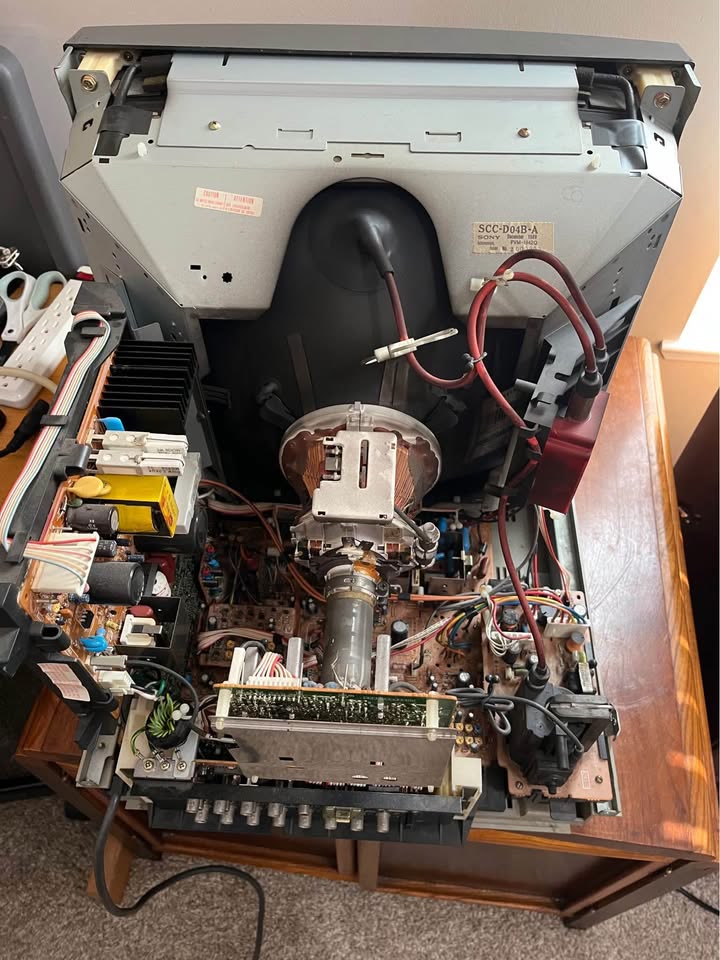
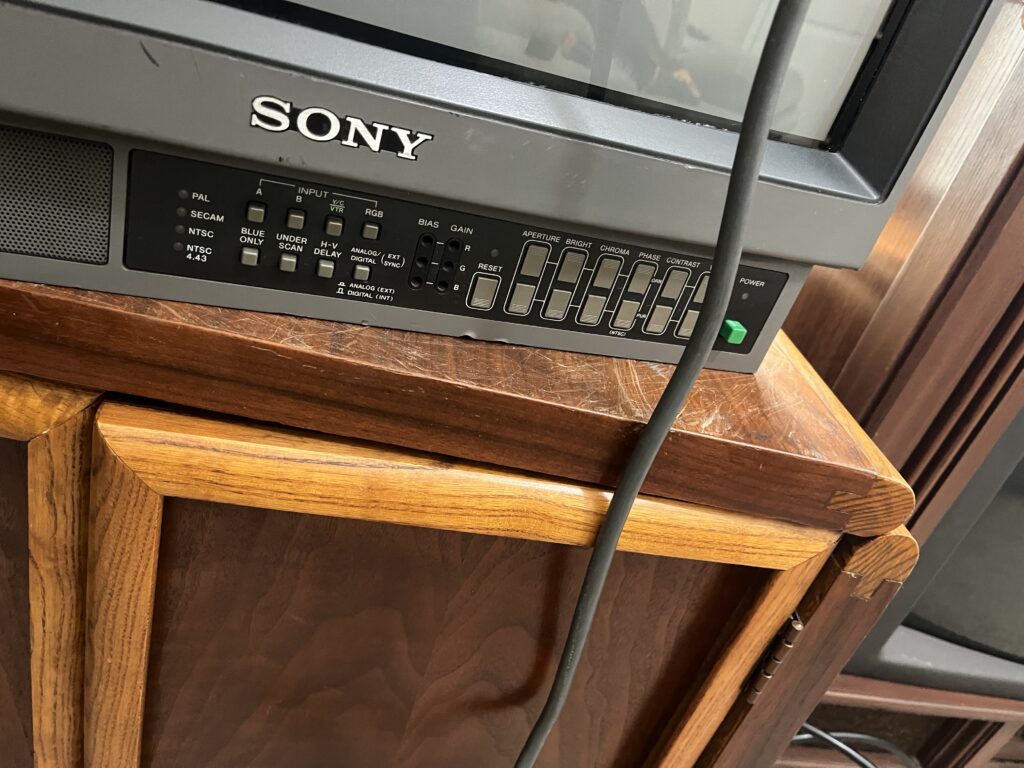
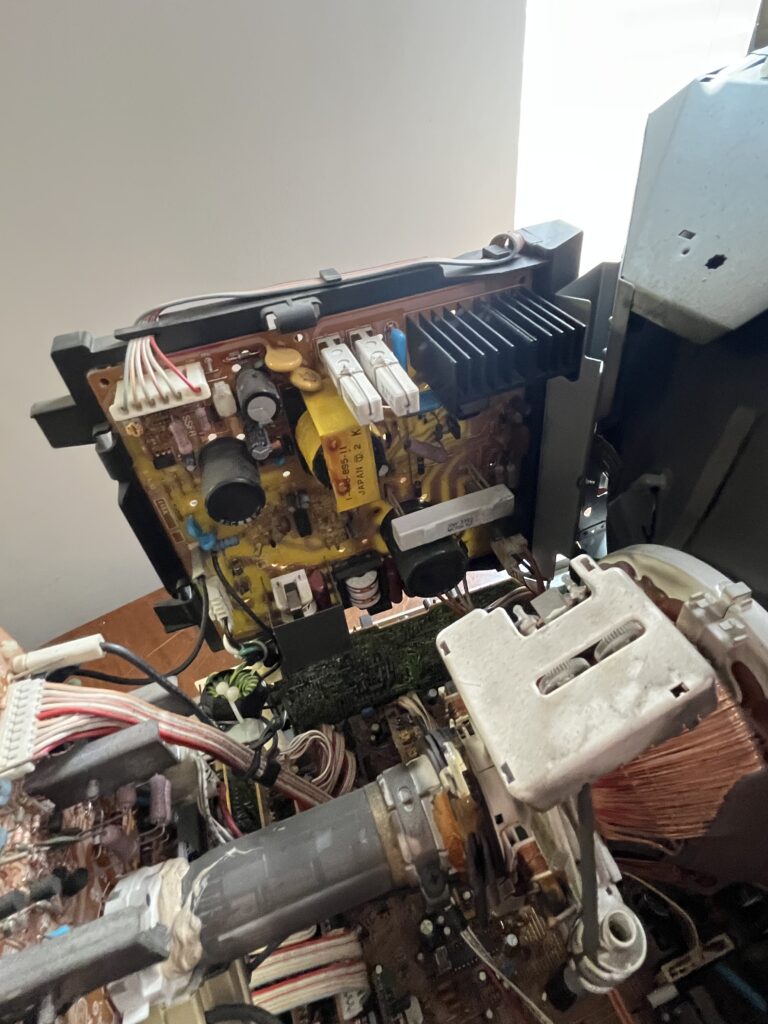
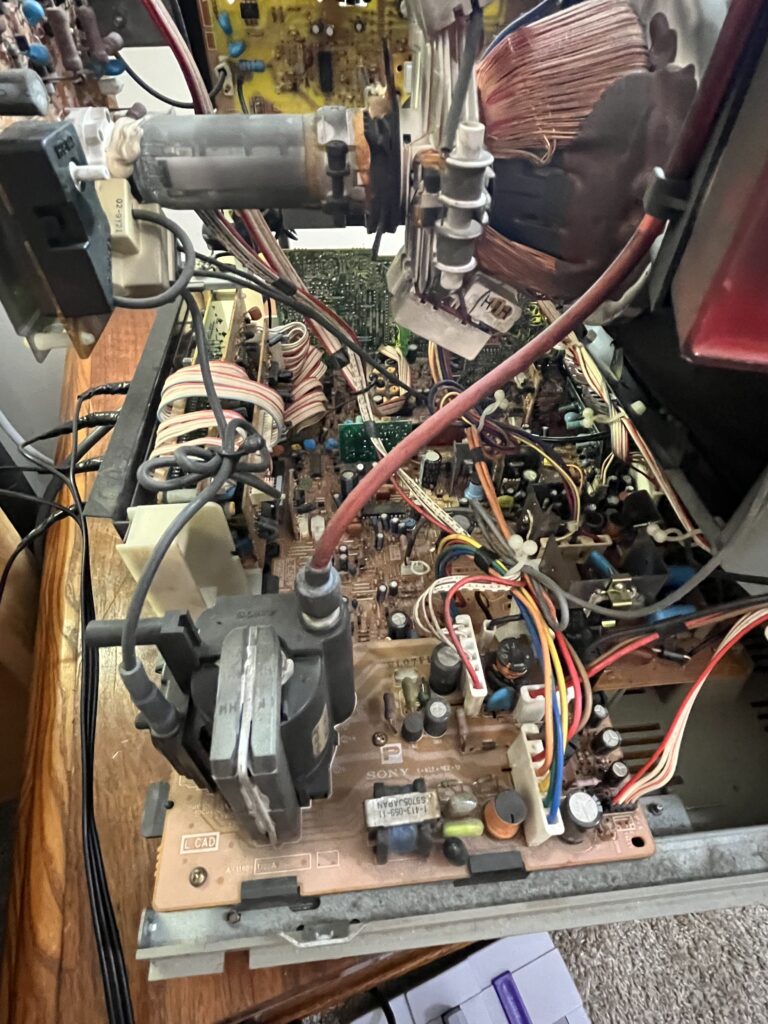
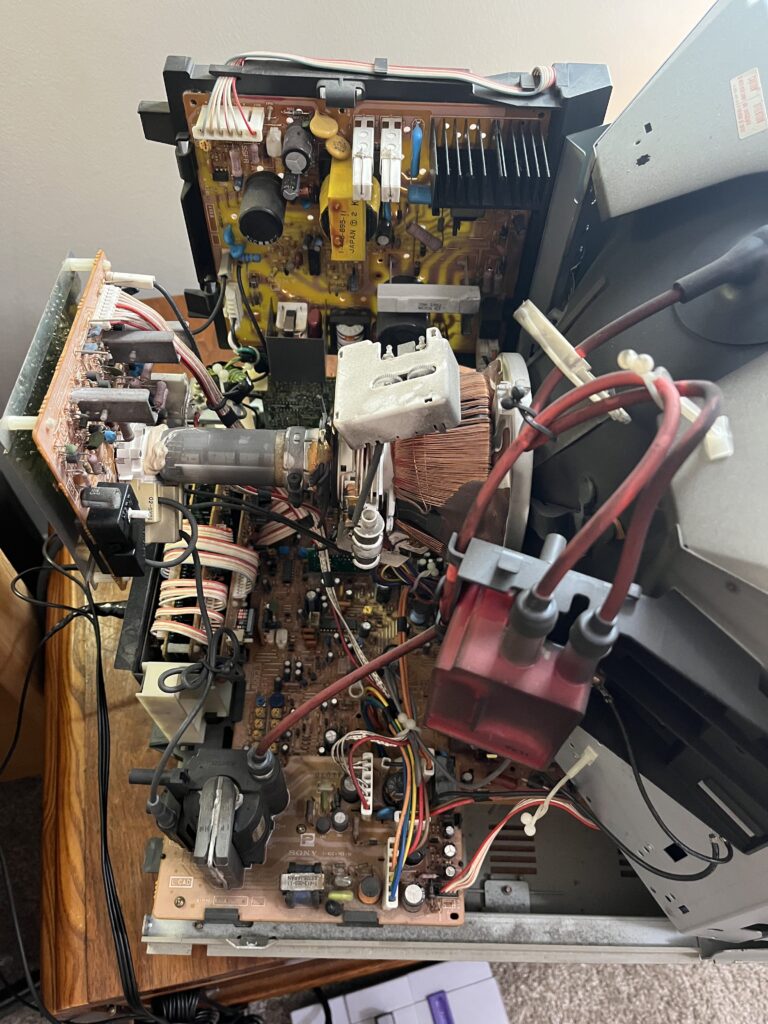
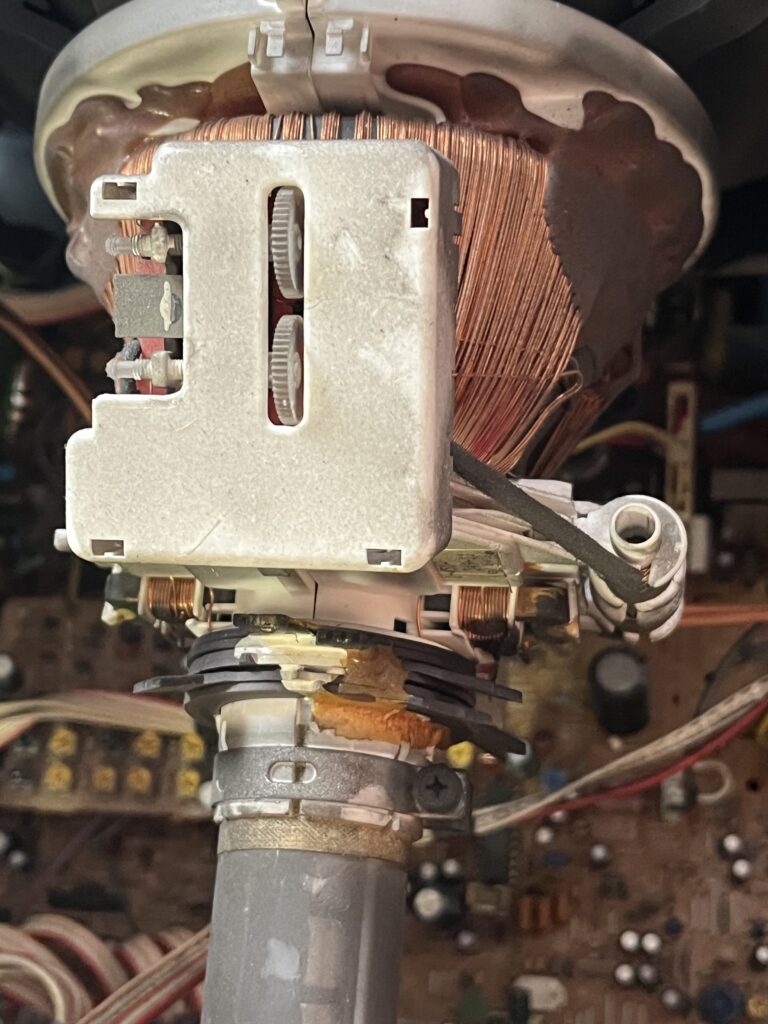
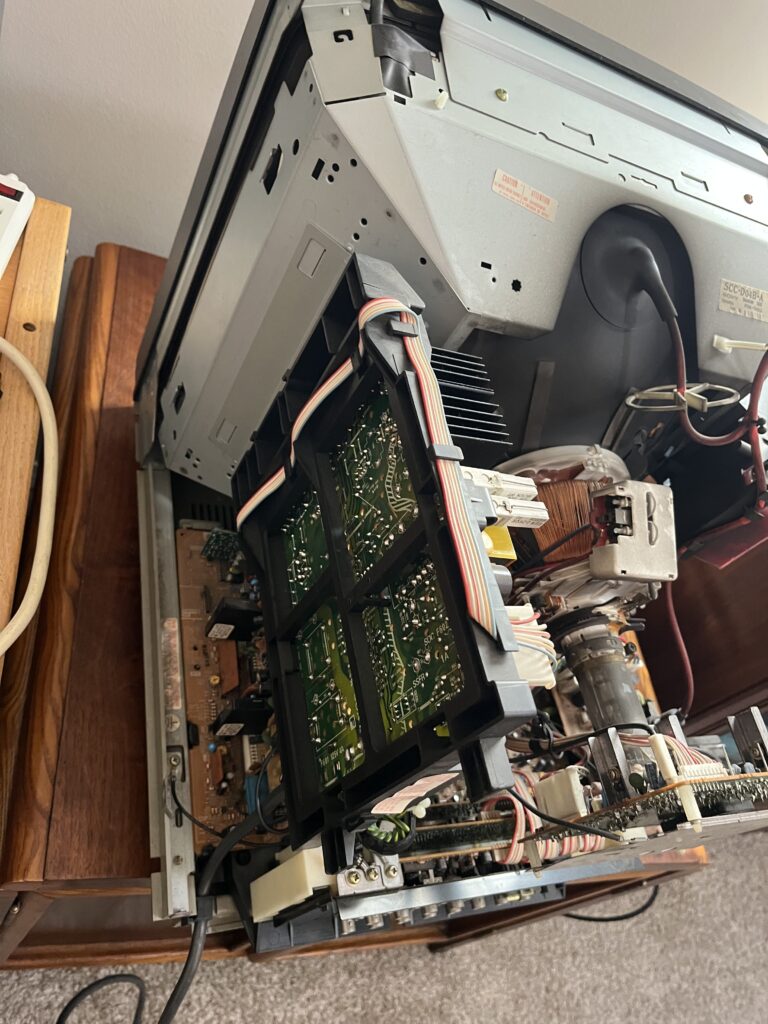
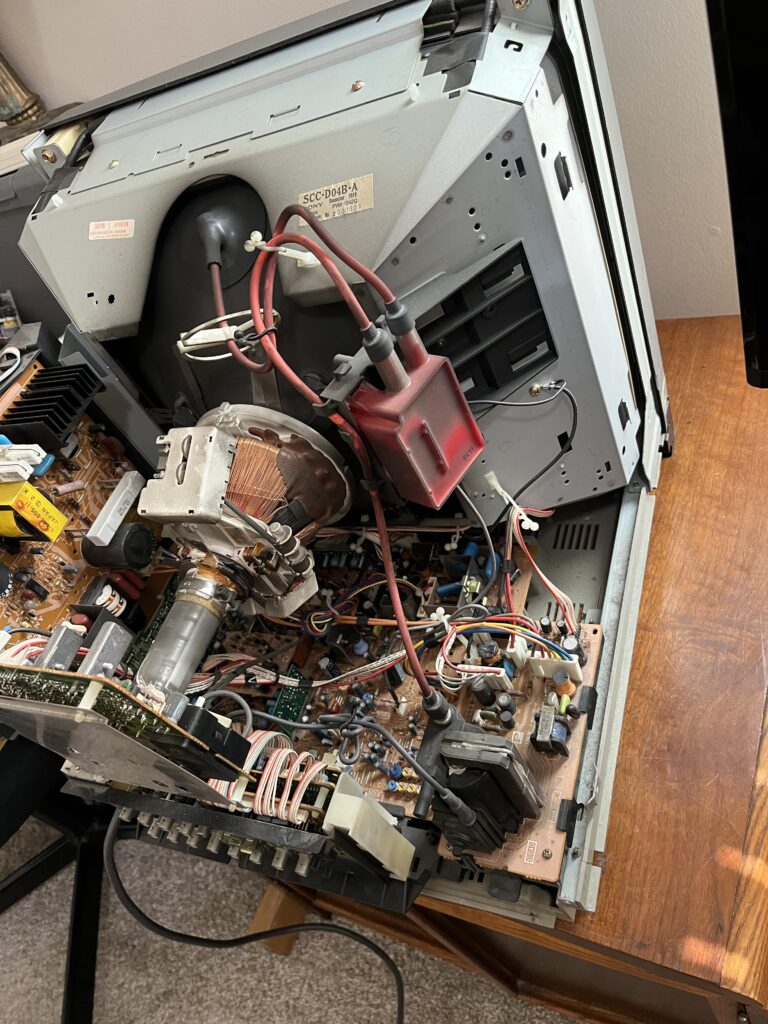
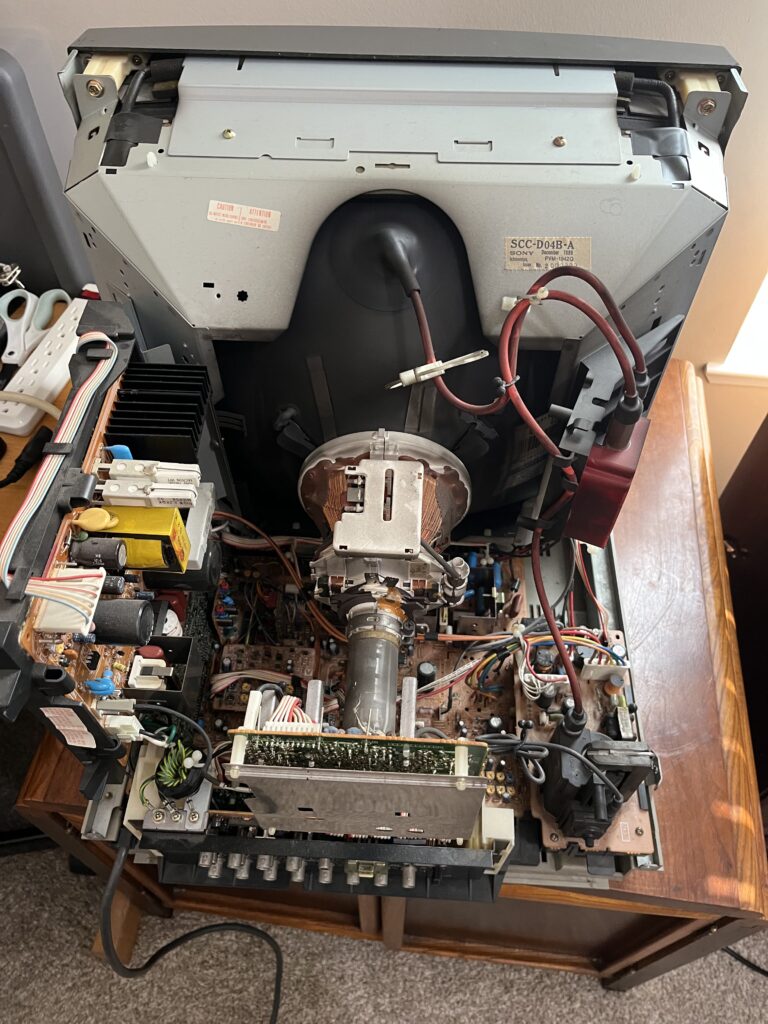
And unlike later button-heavy menu PVMs, a lot of geometry and picture adjustment stuff is internal, which means opening the set.

Long story short, its a FANTASTIC 20inch tube BUT you kinda gotta know what youre doing to make any real adjustments.

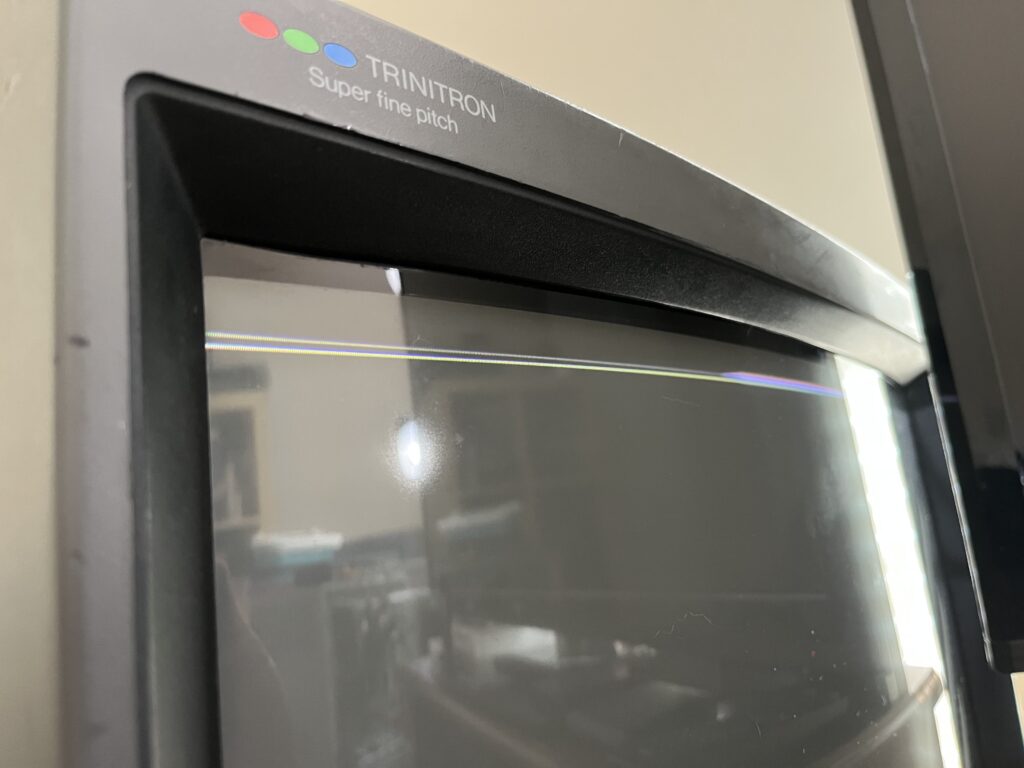
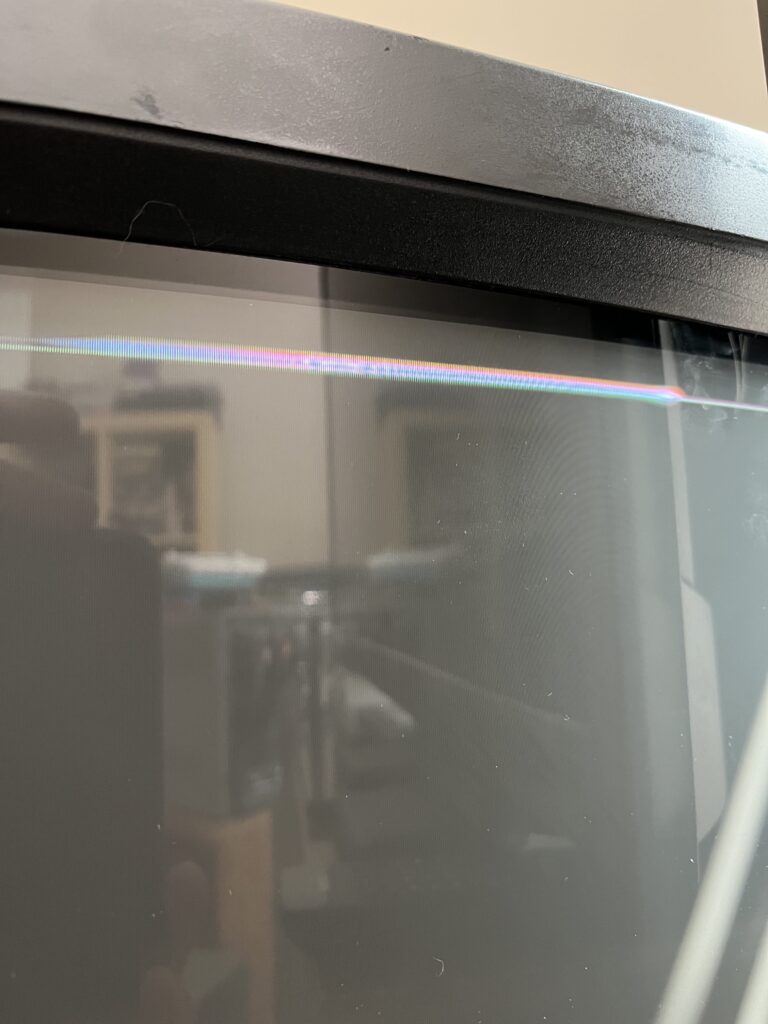
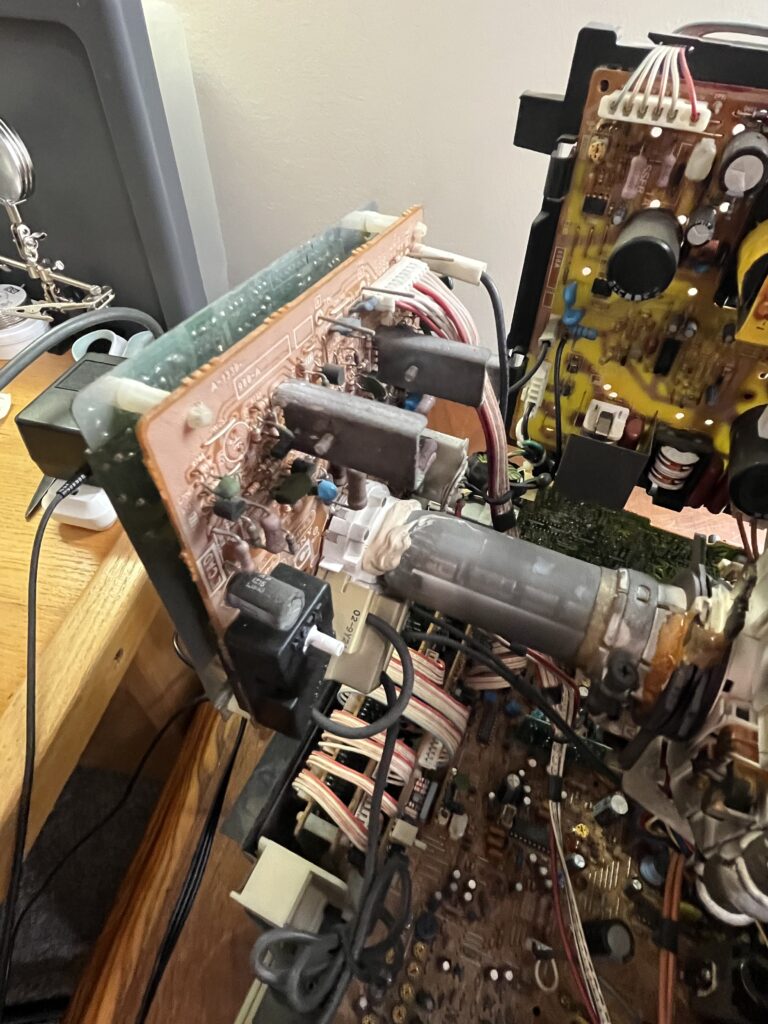
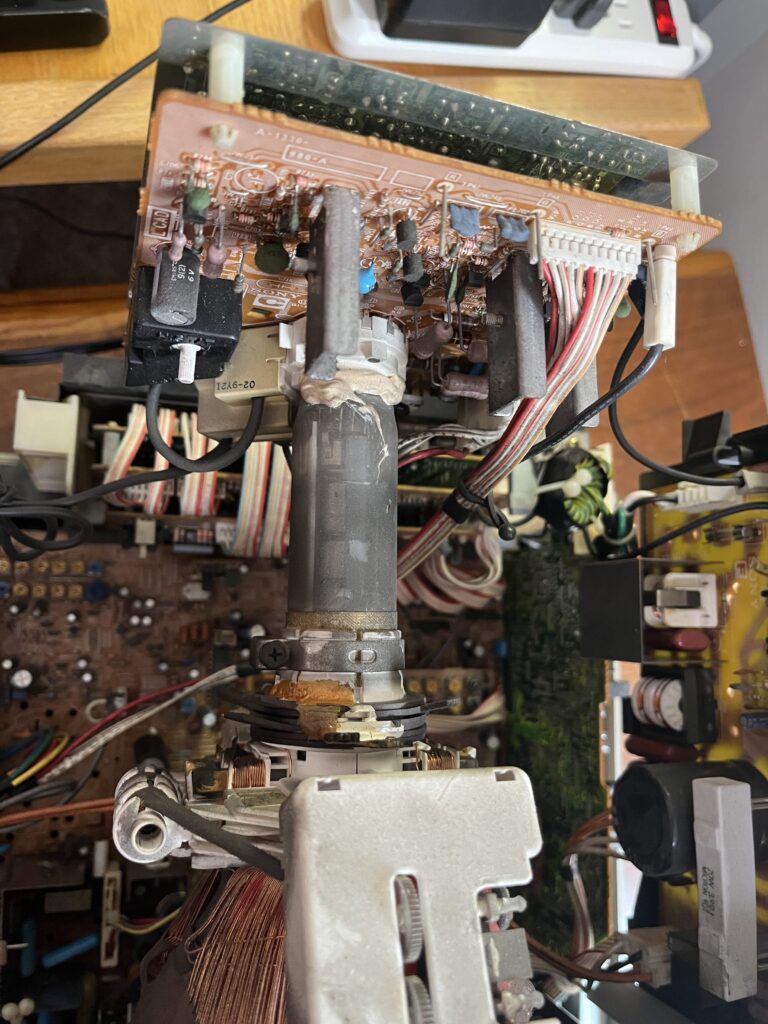
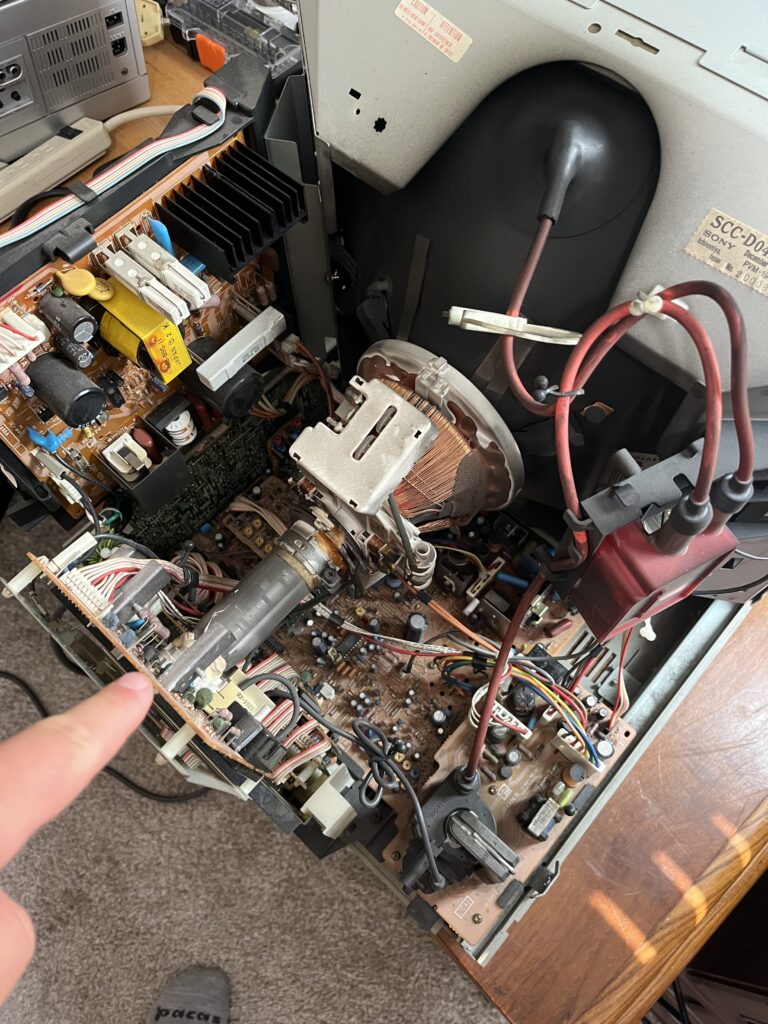
My specific issue? Some type of vertical foldover with retrace showing at the top of the raster. This did not look like tube wear, purity damage, or any type of bad geometry. This usually means one of two things, and most of the time it’s the first one:
Bad electrolytic capacitor(s) in the vertical deflection / vertical output / vertical blanking section.
Cracked or tired solder joints around the vertical output IC and nearby parts.
Maybe even a failing vertical output IC, or another part in that section. But when the symptom is “top foldover and bright retrace-ish lines at the top while the rest of the picture still exists,” the usual suspects are still caps first, solder second, IC third. I wish I had the ability to diagnose this PVM when I still had it.

Dumbed explanation: The beam is supposed to scan down the screen in a controlled vertical sweep, then fly back up during vertical retrace while the video is blanked so you do not see that return trip. When caps in that vertical section dry out, the monitor can no longer handle the top part of the sweep and retrace timing properly. So the top of the image gets compressed, folded over, or doubled, and sometimes you start seeing those bright horizontal lines because the beam is returning while the blanking timing is now off. That’s why the top of the picture looks like it’s got some weird subtitle information in the form of bright white lines.

So no, this was almost certainly not just a “turn the V-size pot a little.” Pots might have changed how ugly it looked, but they would not have fixed the root cause. If someone handed this set back to me this is how I'd handle it.

1. Inspect and reflow the vertical section

Start with the vertical output IC area and nearby heavier parts and reflow the whole area.

2. Replace the electrolytics in the vertical section

Not a random shotgun whole-set recap..
Specifically the vertical output / vertical drive / pump-up / blanking-related electrolytics around that circuit.

3. Check the vertical output IC only if caps and joints do not solve it

If the fold over survives fresh caps and good solder, then the vertical IC becomes much more suspicious.

4. Geometry and vertical linearity adjustment

Only after the possible electrical fault is fixed.. Don't ever try and tune around failed caps…. Waste of your time and PVMs life. The picture might move, but the fault will always be lurking.

What I think the diagnosis was on my exact PVM-1492Q

From my bad memory, photos, and symptom alone, my honest best call is: Dried electrolytic(s) in the vertical deflection/output section, most likely the pump-up/bootstrap or adjacent filtering caps. Cracked solder joints on the vertical output IC / nearby heat-stressed pads. All causing top-edge vertical foldover. I could have fixed it with TIME and PATIENCE TODAY. I chose to tuck my tail in between my legs when I had her. I think she was sick in a very normal old tech way and that’s what makes it hurt my soul. She looked like a machine worth saving.

Selling her for $300 to somebody more experienced was not some idiot move, in my opinion.
It was basically: “I know what this is, I know this is above my comfort level, and I’m not gonna kill her learning.”

Here is how I'd rate this tube IF she was perfectly functional and I had properly serviced her. For a curved Trinitron this size? Solid. Not perfect, but way more stable than consumer trash. You might still chase corners a bit if you had a nicer and newer PVM sitting in the same room OR you are Bob from RetroRGB. 600 TVL, tight beam, clean separation. Not punchy like a living room Trinitron, but correct. RGB is fantastic. Composite input is honest (sometimes too honest making you see all the imperfections of Composite). Metal chassis, real buttons, serviceability.
Some issues: Weird quirks with digital RGB and controls knock her down a bit.
Internal adjustments and quirky controls…. Lack of audio on RGB without a MOD….
She is not beginner-friendly. This is not plug-and-play retro Youtuber BS.

Final Score: 8.6 / 10

Some of my sources for researching this tube;

1) "Sony PVM-1942Q | CRT Database"
2) "PVM-XX42 monitors"
5) "Specifications - Sony TRINITRON PVM-1942Q Operating Instructions Manual [Page 13] | ManualsLib"
4) "Anyone know how to fix this I have a Sony PVM 1942q that has a few lines at the top. It looks like it needs adjusted. Been trying to find a FSM but no luck : r/crtgaming"
5) "An educational video about vertical foldover repair ..."
6) "Fixing CRT TV Vertical Problems | PDF | Electronic Circuits"
7) "How to Fix Vertical Retrace Lines on JVC AV-32770 CRT TV"
| Brand: | Sony |
| Manufacturer: | Sony |
| Model: | 1942Q |
| Series: | PVM Q-Series |
| Viewable Size: | 19″ |
| Input Signals: | Composite, S-Video, RGB, Digital RGB |
| Native Resolutions: | 240p, 480i |
| Linecount: | 600 TVL |
| Sync: | CSYNC, Sync on Green, Sync over Composite, Sync on Luma |
| Formats: | NTSC, PAL, NTSC4.43, SECAM |
| Deflection: | 90° |
| Tint: | Light |
| Aspect Ratio: | 4:3 |
| Mask: | Aperture Grille |
| Adjustments: | Internal Potentiometers, External Potentiometers |
| Tube: | Sony Super Fine Pitch Trinitron , M49KGH20X |
| Sound: | Mono-NoRGB |
| Chassis: | SCC-D04B-A |
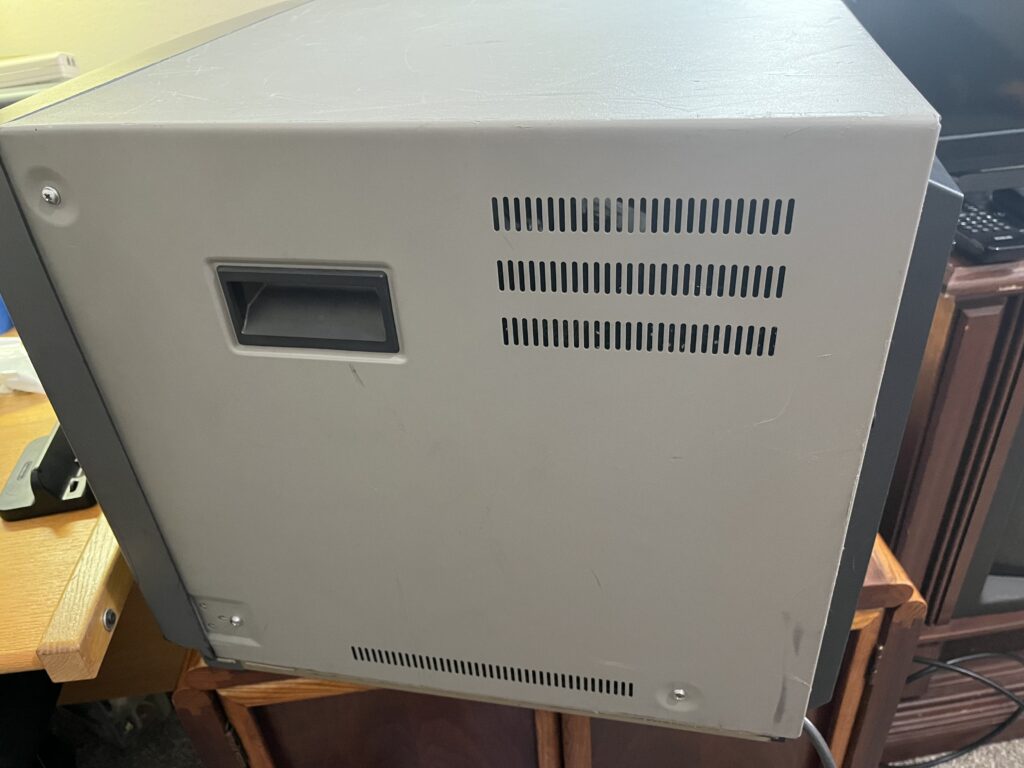
| Weight: | 68 lbs (30.8 kg) |
| Dimensions (W/H/D): | 452 x 458 x 513 mm (17.8 x 18 x 20.2″) |
| Application: | Pro |
| Cabinet Material: | Metal |
| Launched: | 1989 |
| Country of Manufacture: | Ichinomiya Japan |
| Market: | Commercial NA |
| Power Standard: | AC120V 50/60Hz 130WMAX. |
| Mounting: | Rackable |
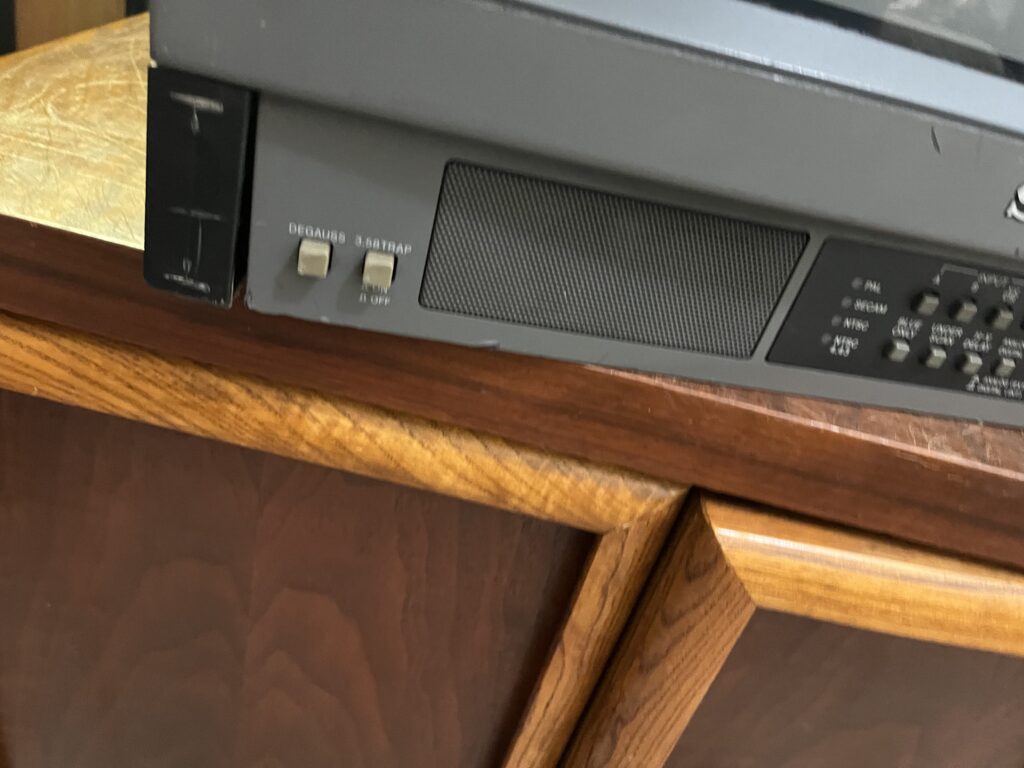
| Degaussing: | Auto-on power, Manual |
| CREDIT FOR THIS SPECIFICATIONS TABLE: | Benjamin McKee, The CRT DATABASE |
Owners Manual
Service Manual
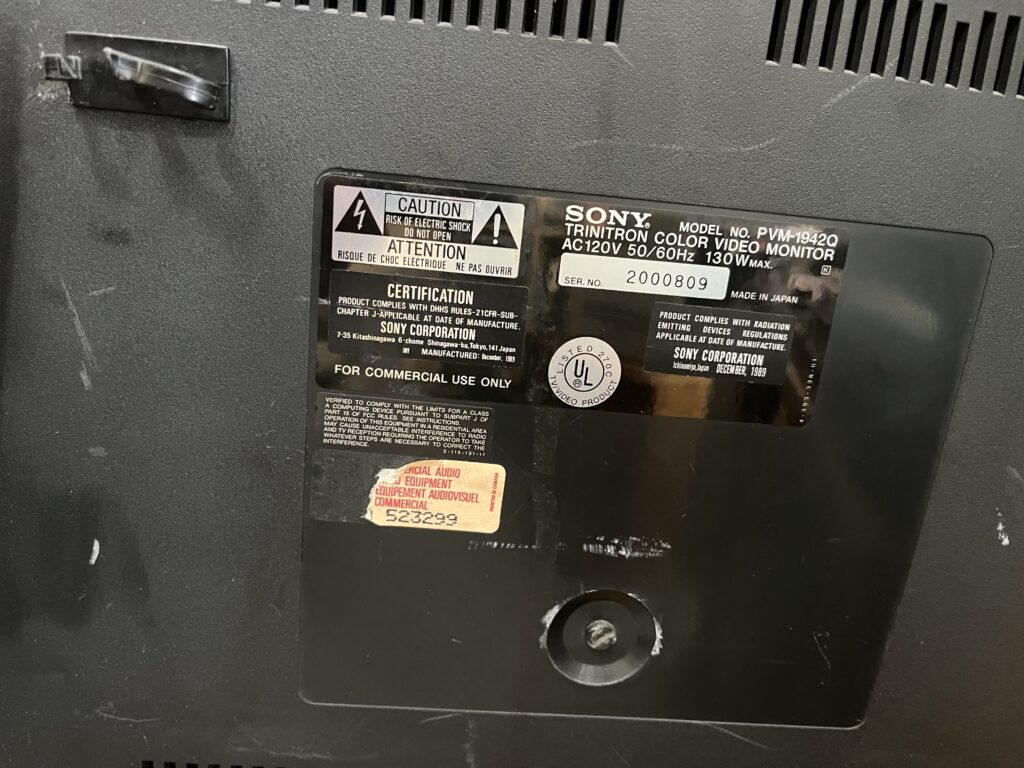
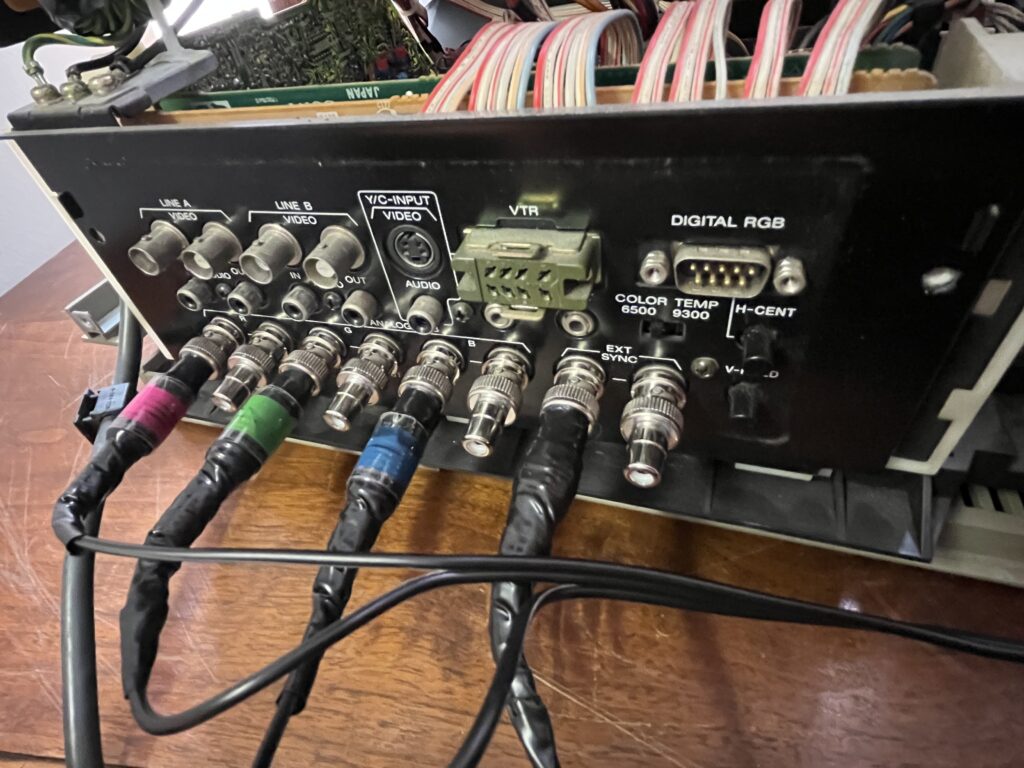
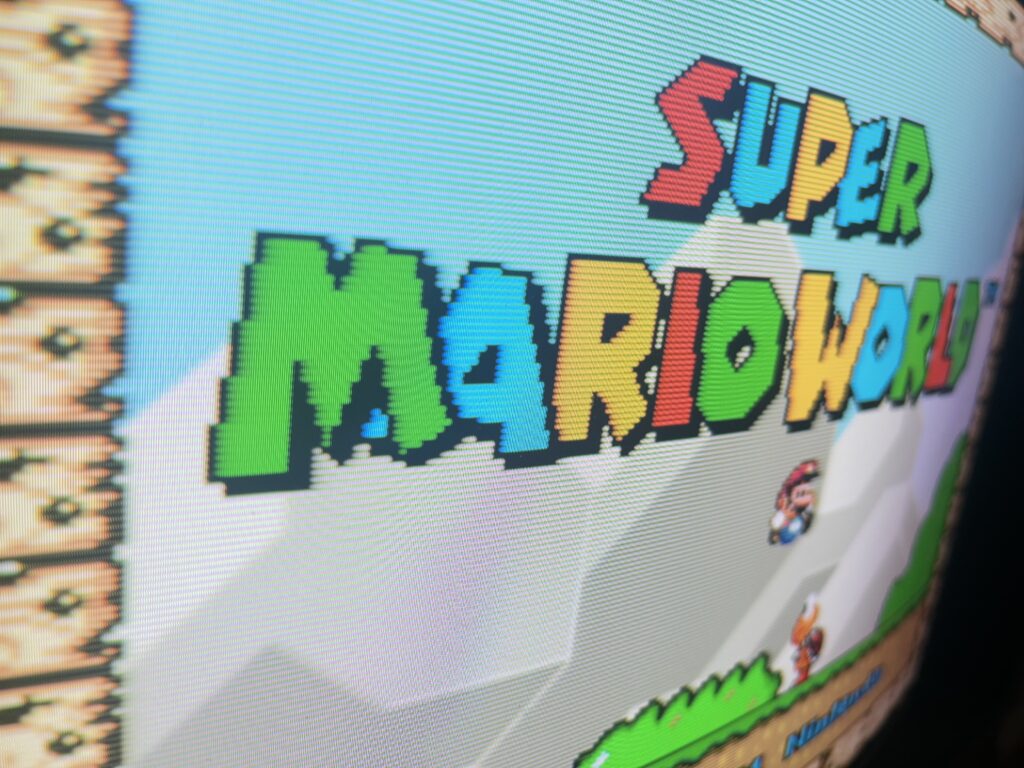
Yes these are home made RGB cables from my SNES. Bite me.
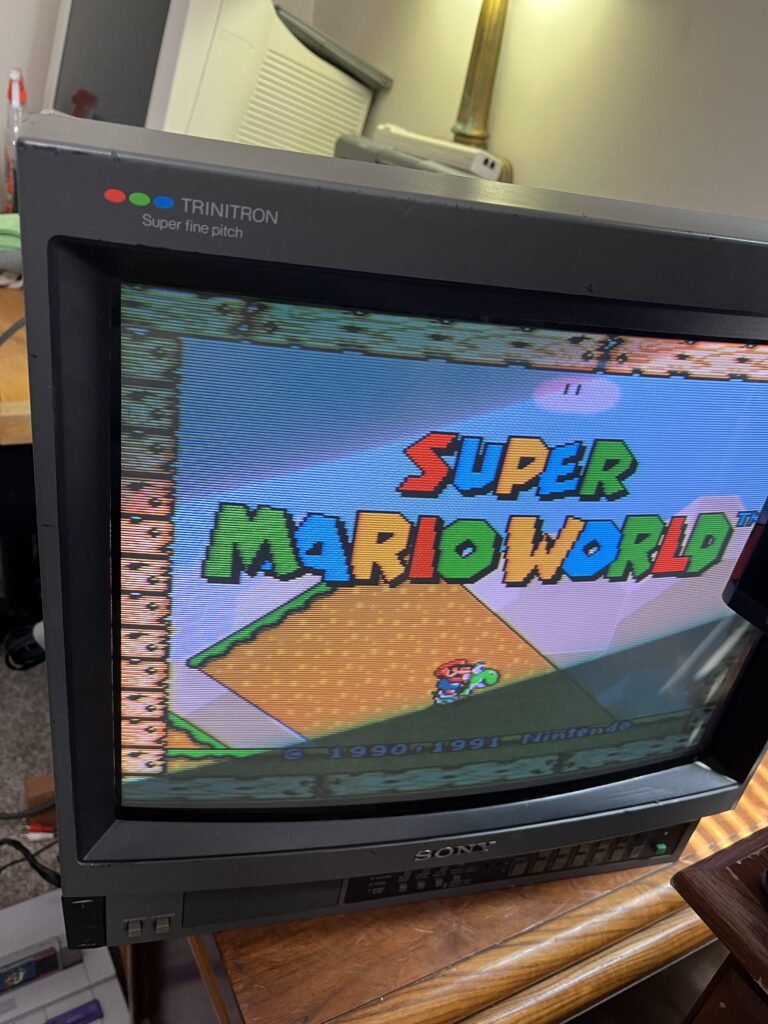
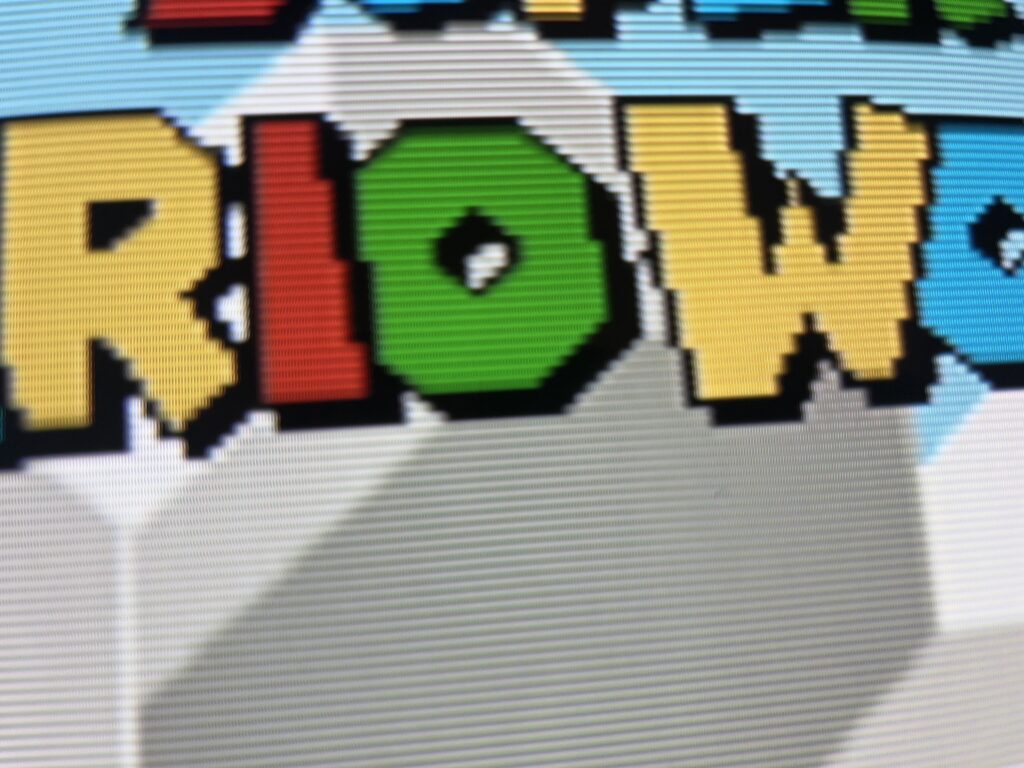

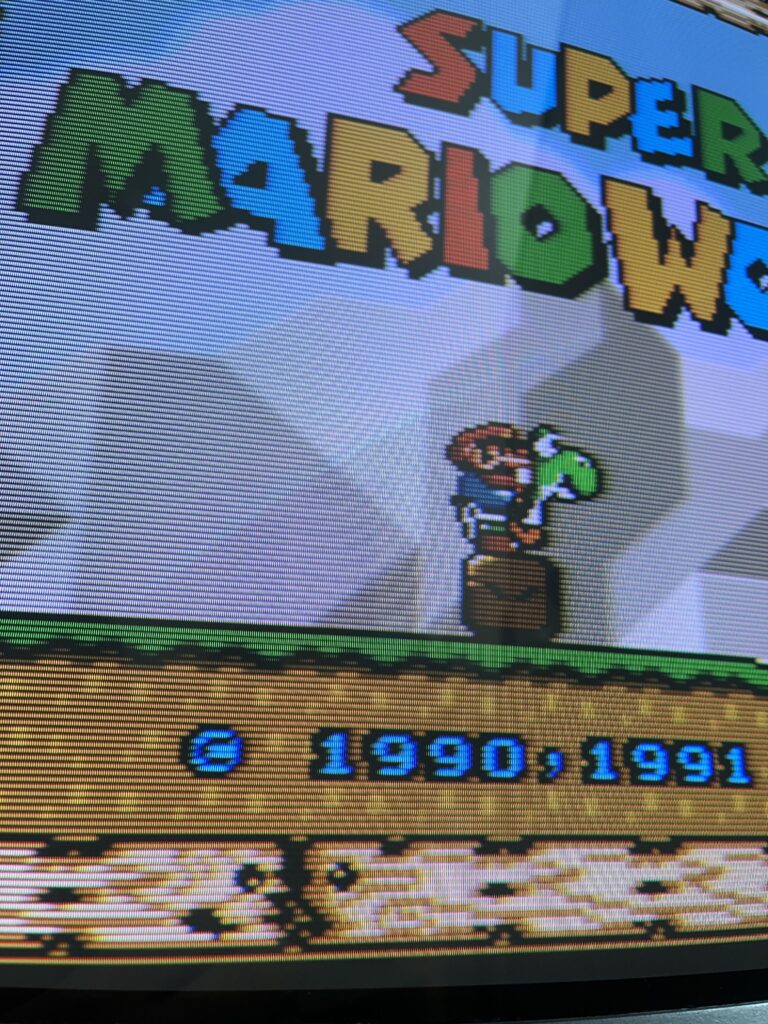
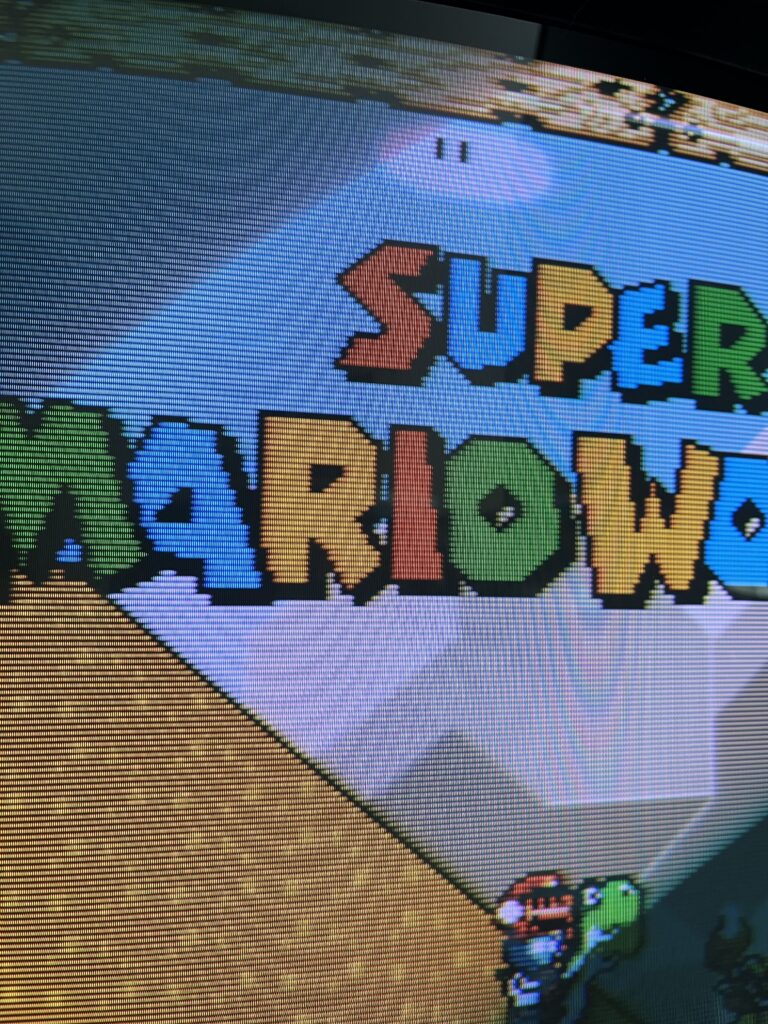
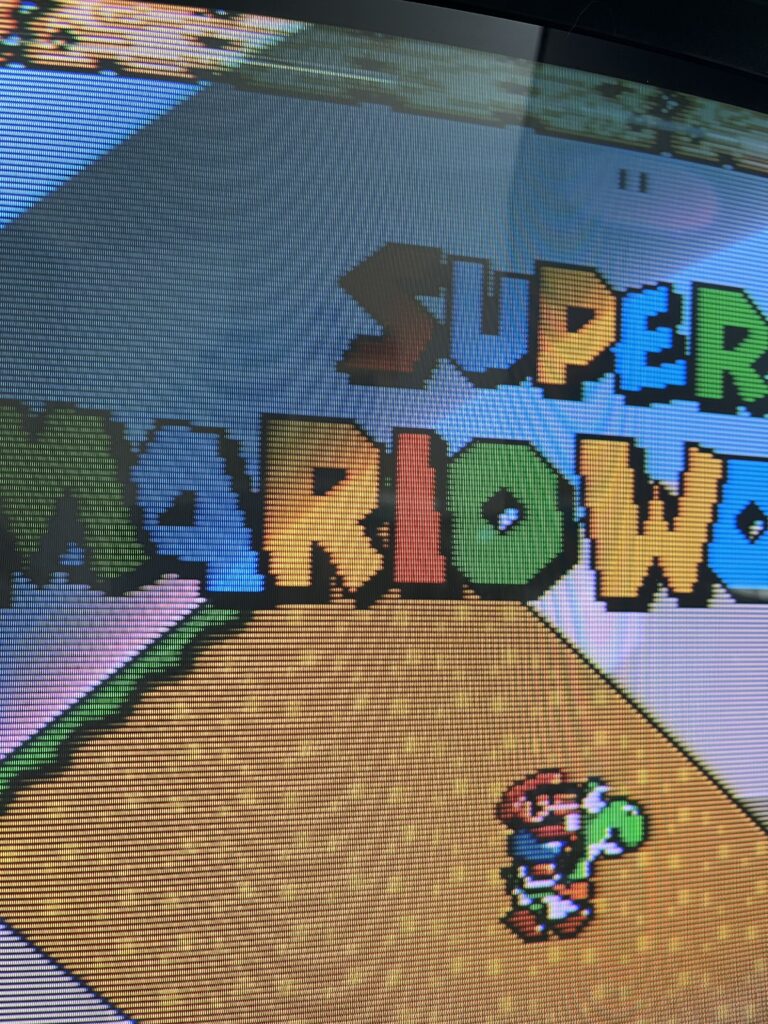
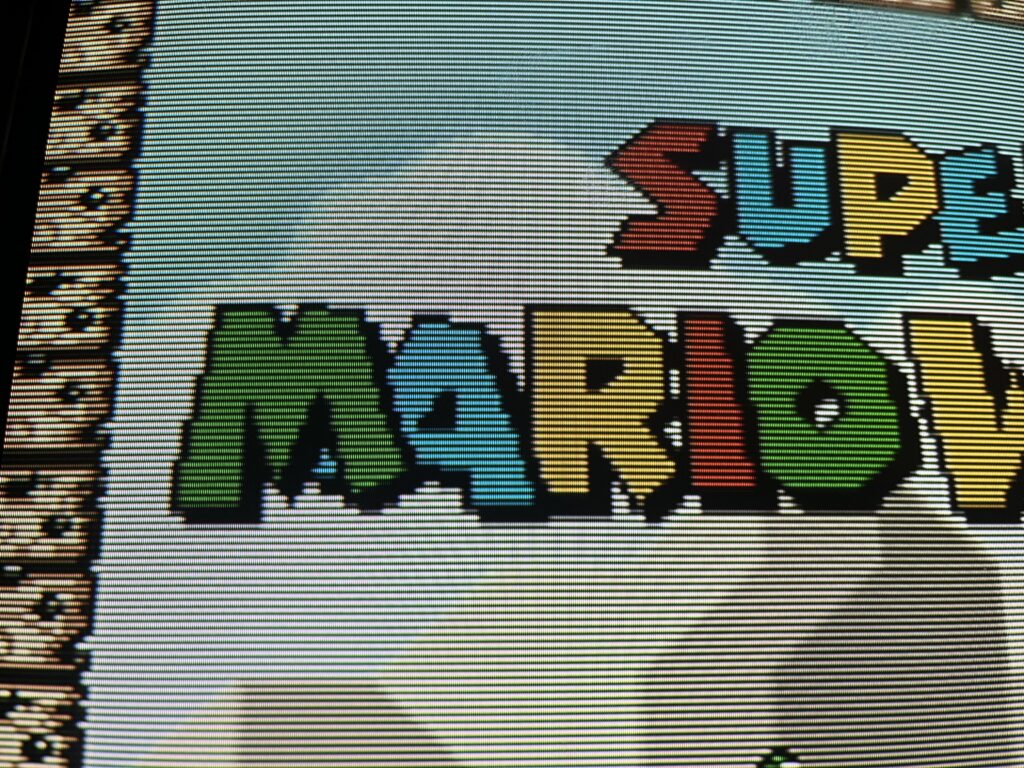
Many technical specifications listed on this site are sourced from the CRT Database. Their work documenting CRT displays is extensive, accurate, and incredibly valuable to anyone interested in this hardware.

Whenever specifications are used from their database, proper credit is given.

If you want deeper technical details on any CRT mentioned here, you should absolutely reference their site.


CRT Database: https://crtdatabase.com